

Google Search Console SEO opportunities are the queries and pages in your Search Console data that already appear in Google but could earn more clicks, stronger rankings, or more qualified visits with a targeted improvement. Most websites have several of them sitting in plain sight: a page shown thousands of times but rarely clicked, or a useful article stuck just below the first page of results.
These opportunities matter because Google already considers the page relevant enough to show. Acting on that existing visibility is often more practical than building a new page from nothing. A clearer title, a better answer to the searcher’s question, or a stronger internal link can change how a page performs, though no change guarantees a result.
This guide shows you where to look in the Search Console, which metrics to examine, how to interpret them, and what to do next. You will follow a nine step process and learn how to prioritize what you find. It is written for small business owners, website owners, content writers, and SEO professionals who want a practical method rather than a list of features.
What Are Google Search Console SEO Opportunities?
Google Search Console is a free tool from Google that shows how your website performs in Google Search. An SEO opportunity is a gap between how visible a page or query is and how well it converts that visibility into clicks or rankings. You find these gaps by reading a few numbers together.
Here are the terms you will see throughout this guide:
- Query: the words a person typed into Google.
- Page: the URL that appeared in the results.
- Impressions: how many times your URL appeared in search results.
- Clicks: how many times people clicked through to your site from those results.
- Click through rate (CTR): clicks divided by impressions, shown as a percentage.
- Average position: the average ranking of your site for a query or page.
No single number tells the story. Certain combinations, however, point to specific improvements:
- High impressions with low CTR may mean the title or snippet does not match what searchers want.
- Average positions around 11–20 with meaningful impressions may mean a page is close to the first page.
- A page whose clicks are falling may need a content refresh, or it may have a technical problem.
- Several pages appearing for the same query may signal overlapping content, though this needs checking.
Illustrative example (hypothetical, not real data): Imagine a page titled “Modular Kitchen Designs” that appears 24,000 times in a month, receives 360 clicks, and has an average position of 8.4. Its CTR is 1.5% (360 ÷ 24,000 × 100). The page is visible, yet few people click. That is worth investigating: the title may be generic, the search results may be crowded with images and local listings, or searchers may want something the page does not offer.
SEO services for your’s website
Why Google Search Console Is Important for SEO in 2026
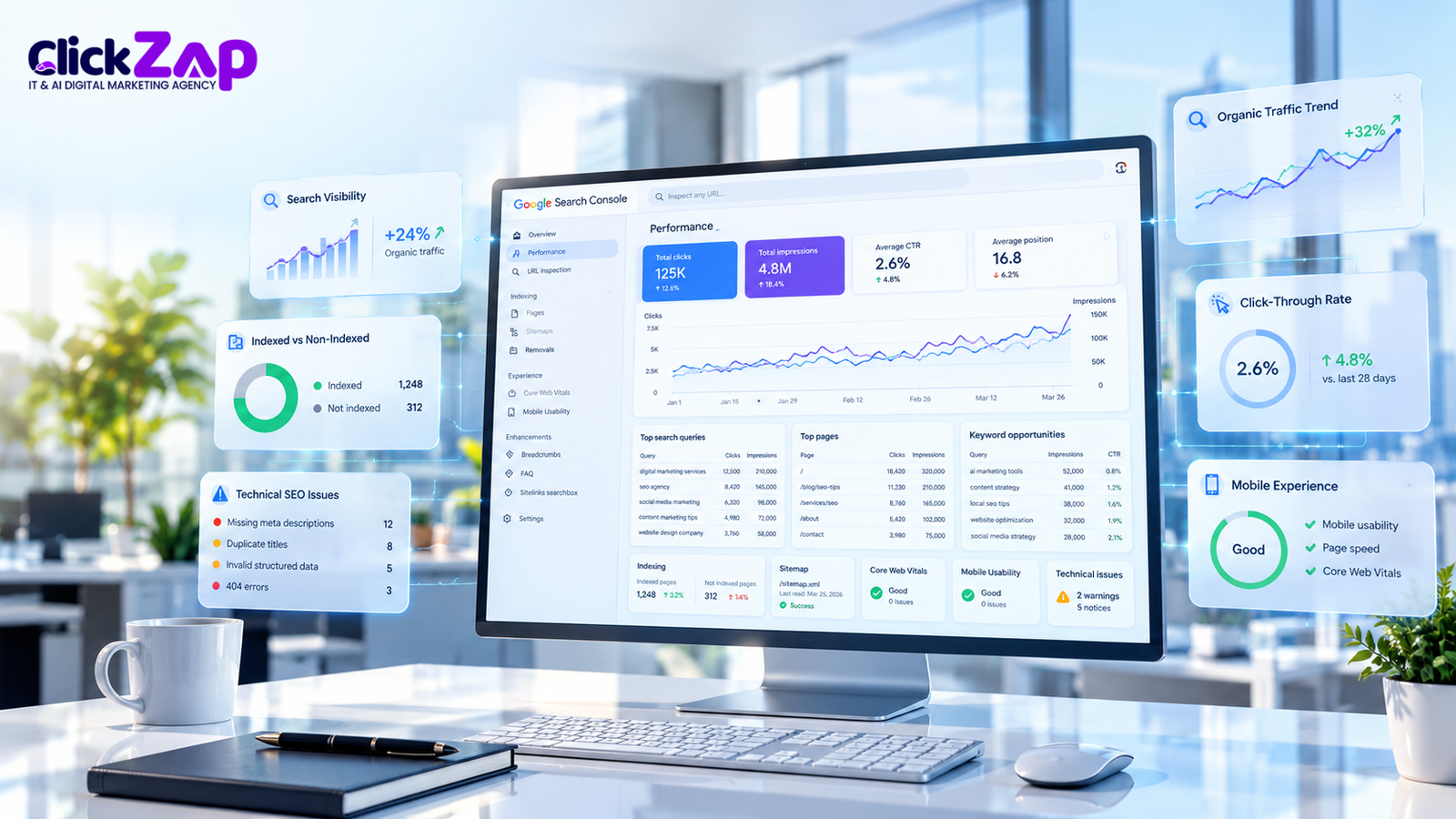
Search Console gives you data that comes directly from Google Search. It is the most reliable place to start Google Search Console SEO analysis because it shows what appears in results before anyone visits your site. Search results now include more than ten blue links, with AI generated summaries, featured snippets, local packs, and video results all competing for attention. That makes checking your own data more useful than relying on general advice.
Search Console supports several jobs:
- Organic search performance analysis: see clicks, impressions, CTR, and position over time.
- Keyword discovery: find queries you never deliberately targeted but already appear for. This is one of the most practical forms of Google Search Console keyword research.
- Page optimization: see which pages need better titles, content, or links.
- Indexing checks: confirm whether Google has indexed important pages.
- Monitoring: catch drops after site changes, migrations, or updates.
It helps to separate Search Console from Google Analytics 4 (GA4), Google’s analytics platform. Search Console describes what happens in Google Search before the click: how often you appeared, for which queries, and at what position. GA4 describes what happens after the click: how visitors behave, which pages they view, and whether they convert. The two tools use different methods and will not match exactly, so use each for its own purpose.
Keep a few limits in mind. The Performance report keeps about 16 months of data, and Google withholds some rare, privacy sensitive queries from the report. Treat the numbers as a strong guide, not an exact census. Finding Google Search Console SEO opportunities starts with this data, but good decisions also need your knowledge of the business.
Important Google Search Console Metrics You Should Track
The Performance report shows four headline metrics. Understanding them in plain terms makes every later step easier.
|
Metric |
What it means |
What it can reveal |
|
Total clicks |
Times people clicked your result and reached your site |
Which queries and pages already bring organic search traffic |
|
Total impressions |
Times your result appeared in search results |
Visibility and demand; high numbers with few clicks suggest a snippet or intent problem |
|
Average CTR |
Clicks ÷ impressions × 100 |
How appealing and relevant your result looks compared with similar results |
|
Average position |
Your average ranking for a query or page |
How close a page is to stronger visibility, such as the bottom of page one or page two |
Average position is an aggregate. It varies by query, location, device, and search appearance, so a position of 12.0 does not mean every searcher saw your page at number 12. Some saw it higher and some lower, and a person in Hyderabad may see different results than someone in Delhi. Use position as a direction, then confirm with the live results.
Use the same names for these metrics every time you track them. Clicks, impressions, CTR, and average position are the terms Search Console uses, and keeping to them avoids confusion in reports and team discussions.
Digital Marketing services for your’s business
How to Find Google Search Console SEO Opportunities Step by Step

The nine steps below move from opening the report to validating what you find. Work through them in order the first time, then return to the steps you need.
Step 1: Open the Google Search Console Performance Report
- Sign in to Search Console and pick the right property from the property selector. A Domain property covers every subdomain and protocol, while a URL prefix property covers only the exact address you added. Using the wrong one can show incomplete data.
- Go to Performance and open the Search results report. This is the Search results performance report, the main source for everything that follows.
- Check the search type. “Web” is the default, and you can switch to image, video, or news results if those matter to you.
- Turn on all four metrics, since CTR and average position may be hidden at first.
- Choose a date range. Three months suits most opportunity reviews because it smooths out daily noise, and the most recent days may still be incomplete.
- Use the Compare option to view the same length period before it, or the same period last year for seasonal businesses. Comparing equivalent periods keeps the comparison fair. A festival season spike compared with a quiet month will mislead you.
If your audience is mainly in India, consider filtering by country, and check the Devices tab, since mobile often dominates.
Step 2: Find Keywords With High Impressions but Low Clicks
Open the Queries tab and sort by impressions, highest first. Scan the CTR column for queries where your page appears often but few people click. High impressions with low clicks is one of the clearest signals in the report. Looking at it along with CTR and position, you can tell whether the problem is visibility or appeal.
Before changing anything, ask why people are not clicking:
- Intent mismatch: The query may want a price list, a comparison, or a definition, while your page offers something else.
- Weak snippet: The title and description may be vague or may not mention what the searcher typed.
- Relevance gap: The page may mention the topic but not answer it well.
Search the query yourself and read the results. Then improve the title, meta description, or on-page content to reflect what searchers actually want. Google may rewrite titles and snippets, as its Search Central documentation on title links and snippets explains, so treat edits as a test, not a guarantee.
Step 3: Identify Keywords Ranking on Page Two
Queries with an average position of roughly 11–20 are often called page two keywords. This is the simplest way to find keywords in Google Search Console that sit close to stronger visibility. In the Queries tab, sort by position or export the data to a spreadsheet and filter there.
Prioritize queries that are relevant to your business, have meaningful impressions, and look realistically within reach. A page at position 13 for a closely related query may only need better depth and internal links. A page at position 18 for a broad, competitive term may not move at all.
Remember that an average position does not guarantee the exact position any user sees. Check the live results, then consider strengthening the content, adding missing subtopics, improving the title, and linking to the page from related pages on your site. Google Search Console ranking improvements usually come from several small changes, tested and monitored over weeks.
Step 4: Discover Low CTR Keywords
Google Search Console low CTR keywords are queries where your result appears but attracts fewer clicks than you would expect for its position. There is no universal CTR benchmark, so compare against your own data: look at queries and pages with similar positions and similar intent. Separate branded queries (those containing your business name) from non branded ones, because branded searches usually have much higher CTR and can hide problems.
For each low CTR query, examine these areas before editing anything:
- Search intent: What does the searcher want to do or learn?
- Title relevance: Does your title reflect the query clearly?
- Snippet: Does the description give a reason to click?
- SERP features: The search engine results page (SERP) may show AI summaries, featured snippets, “People also ask” boxes, maps, or videos that take clicks from standard results.
- Competing results: Are rivals offering something you do not, such as a clearer format, a price range, or fresher information?
Do not change titles or descriptions before checking the query and the live results. A rewrite based on a guess can reduce clicks you already earn. Change one element at a time, note the date, and review the result after enough time has passed.
Step 5: Find Underperforming Website Pages
Switch to the Pages tab to see performance by URL. Use the compare view to find pages whose clicks have declined, pages with high impressions but few clicks, and pages sitting near the edge of the first page. These are your underperforming website pages.
Click a page, then open the Queries tab to see which searches it appears for. This tells you what Google associates the page with. Then decide which of these fits:
- Content refresh: the information is dated or thin.
- Better internal links: the page is useful but few other pages point to it.
- Search intent alignment: the page answers a different question than the queries suggest.
- Technical investigation: impressions dropped suddenly, which may point to indexing, redirects, or page problems.
Step 6: Discover Content Refresh Opportunities
A content refresh means improving a page so it serves searchers better. Open a page’s queries and look for these signs:
- Outdated information: old tools, dates, prices, rules, or screenshots.
- Missing subtopics: queries the page appears for but does not address directly.
- Weak explanations: sections that state a point without showing how or why.
- Unmet intent: the content no longer matches what searchers now expect.
Base updates on real user needs: answer the questions your queries reveal, add examples, and remove what is no longer true. Google’s guidance on helpful, people first content advises against changing a page’s date to make it look fresh when little has changed, so update the date only when the content is genuinely updated.
Step 7: Identify Possible Keyword Cannibalization
Keyword cannibalization happens when several pages on your site compete for the same search intent, which can make it unclear to Google which page best serves the query. To check, go to the Queries tab, click a query, and then open the Pages tab to see which URLs received impressions and clicks for it.
Compare query level and page level data before deciding anything. Overlapping rankings alone do not prove cannibalization. Sometimes two pages serve slightly different intents, and sometimes both appearing in results is perfectly fine. A real problem tends to look like two similar pages swapping positions, neither performing well, or a weaker page outranking the one you want.
If the problem is real, you have three options:
- Differentiate: refocus each page on a distinct intent.
- Consolidate: merge overlapping pages into one stronger page and redirect the old URL.
- Adjust internal linking: point internal links and anchor text toward the page you want to rank.
Step 8: Check Indexing and Technical SEO Issues
Use the URL Inspection Tool to check a specific page. It shows whether Google has indexed the URL, the canonical page Google selected, and when it was last crawled. The Indexing section and Pages report list URLs that are not indexed and give reasons.
Not every exclusion is an error. A page excluded because you added a no index tag, or a duplicate redirecting to a canonical version, may be exactly what you intended. Investigate when an important page is not indexed, or when a page that was performing well disappears. Remember too that indexing does not guarantee rankings: it only makes a page eligible to appear.
Also glance at the Core Web Vitals report and the sitemap status for obvious problems. For deeper checks, ask a technical SEO specialist, and refer to Google Search Central’s documentation on indexing and crawling for the established guidance.
Step 9: Use Other Tools to Validate Opportunities
Search Console shows how you perform in Google. Other tools add context, and you do not need all of them:
- GA4: shows whether visitors from a query or page engage and convert, which tells you if an opportunity has business value.
- Google Keyword Planner: gives search volume ranges and related terms, mainly built for advertising, so treat figures as approximate.
- Google Trends: shows relative interest over time and seasonality, useful before refreshing a seasonal page.
- SEMrush and Ahrefs: third party platforms that estimate keyword difficulty and show competitor visibility. Their numbers are estimates, not Google data.
- Looker Studio: builds dashboards from Search Console data so you can track trends without exporting spreadsheets.
Small websites can begin with Search Console and GA4 alone. Add other tools only when they answer a question your data cannot. Used this way, Google Search Console SEO opportunities become easier to rank by value.
Best AI Digital Marketing Agency in Hyderabad
How to Prioritize Google Search Console Keyword Opportunities
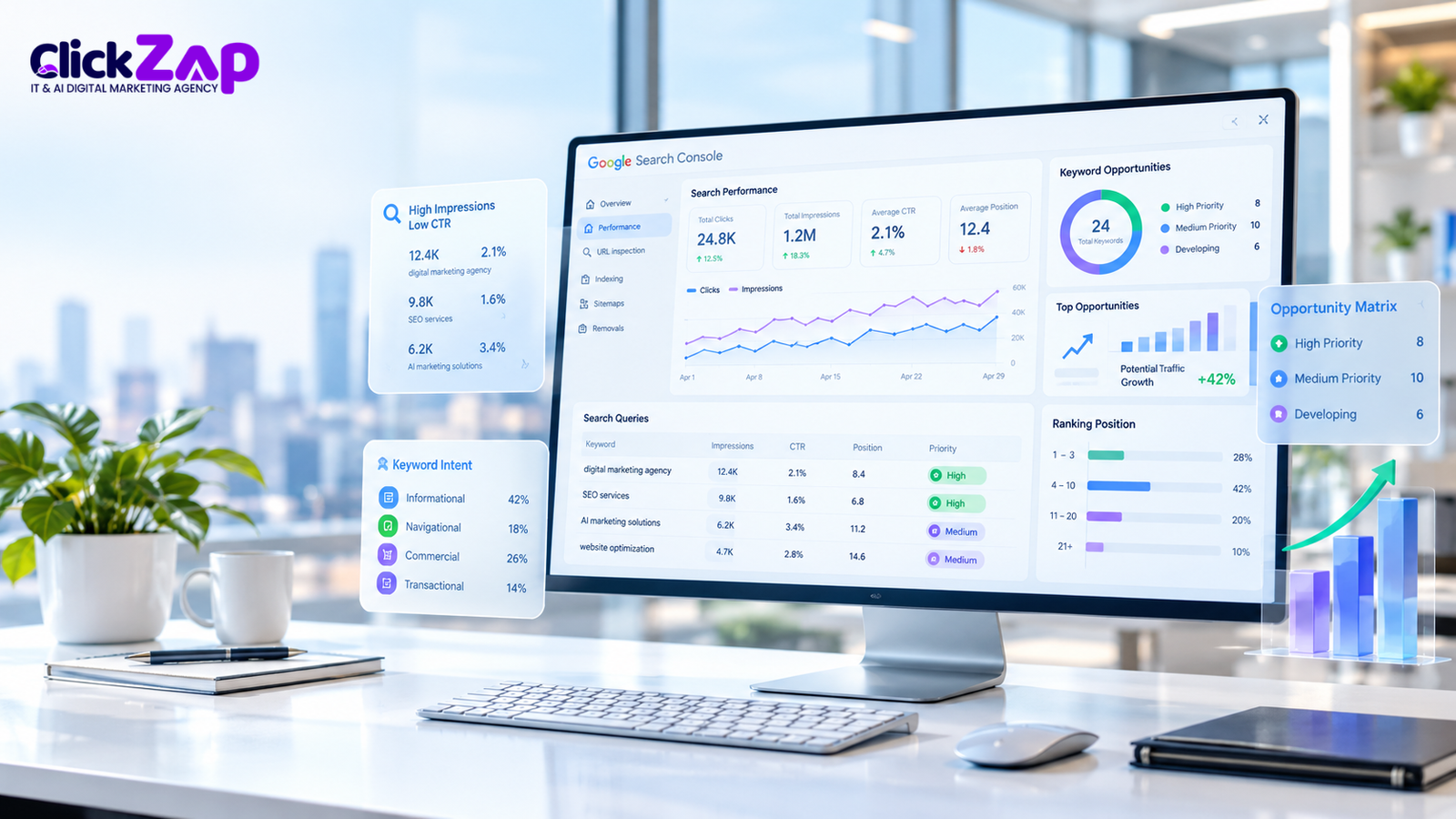
Once you have a list, you need to decide where to start. Not every item deserves immediate attention, and high impressions alone do not guarantee business value. A query with 20,000 impressions that has nothing to do with your services will not produce customers even if you win the click.
Score each opportunity against these criteria:
- Business relevance: does the query match what you sell or the problem you solve?
- Impression and click trends: are they rising, flat, or falling?
- Current average position: how close is the page to stronger visibility?
- CTR compared with similar queries and pages: is it unusually low?
- Search intent and ranking difficulty: can your page realistically satisfy the intent against the current results?
- Conversion potential: does this traffic tend to enquire or buy?
- Effort required: a title tweak takes minutes, while a full rewrite takes days.
|
Opportunity |
Signal |
Recommended action |
Priority |
|
Relevant query with high impressions and low CTR |
Position in the top 10, CTR below similar queries |
Review live results, then test a clearer title and description |
High |
|
Service related query on page two |
Position about 11–20, steady impressions |
Add depth, missing subtopics, and internal links |
High |
|
Page with declining clicks |
Clicks down against the previous equivalent period |
Check indexing, then refresh outdated content |
High to Medium |
|
Two pages for the same intent |
Both appear for one query, results unstable |
Compare data, then differentiate or consolidate |
Medium |
|
Broad informational query, low relevance |
Large impressions, weak link to services |
Monitor, or create supporting content later |
Low |
|
Irrelevant high impression query |
Large impressions, no business connection |
Do not target |
Low |
Start with high relevance, low effort items, since they let you learn what works before you invest in larger changes.
Practical Example of Google Search Console SEO Analysis
The table below is hypothetical and uses illustrative numbers. It is not ClickZap IT data or data from any real website. Imagine a Hyderabad interior design business reviewing three months of Queries data. CTR is calculated as clicks ÷ impressions × 100.
|
Search query |
Impressions |
Clicks |
CTR |
Average position |
Recommended action |
|
modular kitchen designs for small spaces |
9,600 |
144 |
1.5% |
6.8 |
Review live results; test a title that mentions small spaces |
|
modular kitchen cost in Hyderabad |
5,200 |
78 |
1.5% |
13.6 |
Add a pricing factors section and internal links |
|
wardrobe design ideas |
6,400 |
64 |
1.0% |
15.2 |
Check intent and relevance before investing effort |
|
interior designer near me |
14,000 |
98 |
0.7% |
9.5 |
Review local results and business profile; check mobile |
|
false ceiling design cost |
2,100 |
105 |
5.0% |
4.2 |
Keep as is; monitor |
|
kitchen chimney price |
11,000 |
33 |
0.3% |
18.7 |
Deprioritize; not a service the business offers |
An SEO professional might read this table as follows. The first query has strong visibility and a modest CTR, so it is a candidate for a title and snippet test after checking what the live results show. The second sits on page two and has clear commercial value, so strengthening the content makes sense. The third has meaningful impressions, but the team should first decide whether wardrobe content matches its services.
The fourth has a local intent, so the results may be dominated by maps and listings, and the fix may lie outside the page itself. The fifth performs well and needs only monitoring. The sixth has high impressions but no business relevance, which shows why impressions alone should not set priorities.
Common Mistakes to Avoid When Using Google Search Console
- Focusing only on the average position. It is an aggregate, so combine it with clicks, impressions, and CTR.
- Targeting irrelevant high impression queries. Traffic that will never convert does not help the business.
- Changing titles without reviewing intent. Check the query and the live results first.
- Updating content without adding value. A new date or a few swapped words rarely improves a page.
- Treating every indexing exclusion as an error. Many exclusions are intentional or harmless.
- Ignoring mobile performance and page experience. Check the Devices tab and the Core Web Vitals report, because many Indian users search on phones.
- Drawing conclusions from short periods or little data. A week of low volume data can mislead; look at longer periods and meaningful impressions.
- Assuming rankings or traffic gains are guaranteed. Search results change, competitors improve, and Google updates its systems. Test, monitor, and adjust.
How Often Should You Check Google Search Console?
A light, regular routine works better than occasional deep dives.
Weekly (about 15–20 minutes): scan the Performance report for sudden drops or spikes, check for new indexing or security messages, and review pages you recently changed.
Monthly (about 1–2 hours): compare the last 28 days with the previous period, review the Queries and Pages tabs for the signals in Steps 2 through 7, and update your priorities.
Always compare equivalent date ranges, and give changes enough time to show up before judging them. A simple SEO opportunity tracker helps: a spreadsheet with columns for the page, query, issue found, change made, date changed, metrics before, review date, and outcome. It turns one off fixes into a record of what actually works for your site.
Frequently Asked Questions
How do I find SEO opportunities in Google Search Console?
Open the Search results Performance report and look for queries and pages where impressions are high but clicks, CTR, or position are weak. Sort the Queries tab by impressions, review CTR and average position, then use the Pages tab to find declining or underperforming URLs. Compare equivalent date ranges and check the live search results before changing anything.
How can I find keywords with high impressions but low clicks in Google Search Console?
Go to Performance, open the Queries tab, and sort by impressions. Then look for rows with a low CTR compared with similar queries. Those are keywords where you appear often but attract few clicks. Review the search results for each query to understand intent, then consider improving the title, meta description, or content relevance.
How do I find keywords ranking on page two in Google Search Console?
Sort the Queries tab by average position, or export the data to a spreadsheet, and look for queries with positions of roughly 11–20 that have meaningful impressions. Average position is an aggregate, so it does not show the exact rank every user sees. Focus on relevant queries where your page can realistically improve.
Can Google Search Console help improve keyword rankings?
Yes, indirectly. Search Console does not change rankings itself, but it shows which queries, pages, and issues deserve attention. You can use that information to improve content, titles, internal links, and indexing. To improve keyword rankings with Search Console, make evidence based changes, track the results, and remember that outcomes are never guaranteed.
How do I find content gaps using Google Search Console?
Open a page in the Pages tab, then view its queries. Look for searches the page appears for but does not answer well, such as related questions, subtopics, or intents it only touches on. These are content gaps. Add the missing information, or create a separate page if the topic deserves its own focus.
How often should I check Google Search Console for SEO opportunities?
A quick weekly check and a deeper monthly review work well for most websites. Weekly checks catch sudden drops and indexing issues, while monthly reviews reveal trends and opportunities. Always compare equivalent date ranges and give changes enough time to show results before judging them.
Conclusion
The most useful methods in this guide are simple. Review high-impression, low click queries, find relevant page two keywords, study low CTR results against the live SERP, and look closely at pages that are declining. Then check for overlapping pages and indexing problems. The strongest Google Search Console SEO opportunities appear when you read queries, clicks, impressions, CTR, and page performance together rather than in isolation.
Implement changes one at a time, monitor the results over equivalent periods, and prioritize by evidence, business relevance, and effort. Good Google Search Console organic traffic growth is gradual and not guaranteed, but a consistent routine gives you a clear view of what is working.
If you would like help turning your Search Console data into a practical plan, get in touch with our team at ClickZap IT. We can review your data and help you decide where to focus first, so your Google Search Console SEO opportunities become concrete improvements.
Also Read: How to Use Structured Data Error Detection to Fix Schema Issues and Improve SEO in 2026



0 Comments