
Pay per click (PPC) advertising is a model where you pay each time someone clicks your ad. It runs on search engines such as Google and Microsoft Bing, on social platforms such as Meta, and on other ad networks. PPC is fast and measurable, which also makes it easy to waste money quickly. That is why AI powered PPC budget allocation has become a practical way to decide where each rupee should go.
Budget allocation, meaning how you split spend across campaigns, keywords, audiences, and platforms, is where most of the waste starts. Clicks that never become enquiries or sales, weak conversion rates, and overspending on underperforming campaigns are the usual symptoms. Meanwhile, your best campaign may be hitting its daily limit by noon and missing buyers.
AI powered PPC budget allocation uses machine learning and automation to analyze your performance data and support better decisions about where money should go. It does not replace human judgment. It gives you faster, clearer evidence to judge with.
This guide covers what AI powered budget allocation is, why manual methods fail, a step by step process, how bidding strategies differ from budgets, which platform tools help, the metrics to watch, common mistakes, and how to measure results. Outcomes vary by industry, competition, budget, tracking quality, and campaign maturity, and nothing here is a promise of savings.
What Is AI Powered PPC Budget Allocation?
AI powered PPC budget allocation is the use of machine learning and automation to study campaign data and guide how much budget each campaign, ad group, or channel receives. Machine learning means software that finds patterns in past data and uses them to predict what is likely to happen next, without a fixed rule for every situation. You will also see this called AI PPC budget optimization.
The data involved usually includes impressions, clicks, costs, conversions, conversion value, device, location, audience, and time of day. From this, AI can surface opportunities. One example is a campaign that meets its cost per acquisition (CPA) target, which is the average cost of one lead or sale, but runs out of budget early. Another is a campaign that spends steadily and converts poorly.
It helps to separate two things:
- AI assisted recommendations. The platform or tool suggests a change, and you decide whether to apply it. Google Ads recommendations work this way unless you turn on auto apply.
- Automated controls. The system acts on its own within limits you set. Smart Bidding adjusts bids automatically, and Meta’s Advantage campaign budget distributes a campaign’s budget across its ad sets.
Neither one rebalances money across every campaign in your account. Unless a tool’s official documentation says it reallocates budgets, assume that decision is still yours.
Why Traditional PPC Budget Allocation Often Fails

Most accounts are budgeted by habit: last month’s split, adjusted by gut feeling. Weak PPC budget management usually shows up in six ways, and AI powered PPC budget allocation exists to close these gaps.
- Allocating by assumption. Teams fund the campaigns they like or the products they want to push. The data may say another campaign earns more per rupee.
- Overspending on low converting keywords. Broad terms bring cheap, plentiful clicks from people who are only browsing. Without keyword level conversion data, they keep their share of budget.
- Ignoring differences between campaigns and audiences. A brand search campaign, a remarketing list, and a cold prospecting campaign behave differently. One yardstick for all three misleads you.
- Reacting too slowly. Monthly reviews let a poor campaign drain money for weeks while a strong one sits capped.
- Tracking clicks instead of conversions. Traffic and click through rate can look healthy while nobody buys. A budget guided by clicks rewards activity, not outcomes.
- Ignoring margins and customer acquisition costs. A return on ad spend (ROAS) of 4.0, meaning ₹4 of revenue for every ₹1 spent, can still lose money on a thin margin product.
Each of these ends the same way: money flows to places that do not produce profitable conversions.
How AI Helps Businesses Allocate PPC Budgets More Effectively
AI does not create performance from nothing. It finds patterns faster than a person scanning spreadsheets. In practice, it can:
- Analyze historical performance across campaigns, keywords, audiences, and devices, and highlight trends that are hard to spot manually.
- Identify high performers with strong conversion rates and efficient cost per conversion.
- Forecast from available data. Google Keyword Planner and platform simulators estimate likely clicks and costs at different budgets. These are estimates, not promises.
- Support automated bidding and budget recommendations by adjusting bids at auction time and suggesting budget changes.
- Flag underperformers for investigation. A weak campaign needs a diagnosis (targeting, landing page, offer, tracking) before it gets cut. This is how you reduce wasted advertising spend without cutting blindly.
- Support audience and device analysis where platforms provide that data.
- Help you respond to trend changes, such as demand shifts around festival seasons or new competitor activity.
AI-powered PPC budget allocation is only as good as the data behind it. Results depend on data quality, tracking accuracy, campaign settings, and which features your platform offers.
How Does AI Improve Google Ads Budget Allocation?
Inside Google Ads, AI appears in three main places. Smart Bidding sets bids for each auction using conversion data. Performance Max, a campaign type that serves ads across Google’s channels from one campaign, distributes that campaign’s budget across those channels. The Recommendations page can suggest budget changes when a campaign is limited by budget. These tools sharpen decisions inside a campaign and give you signals across the account. Deciding how to split money between your campaigns is still mostly your job.
Key Benefits of AI Powered PPC Budget Allocation
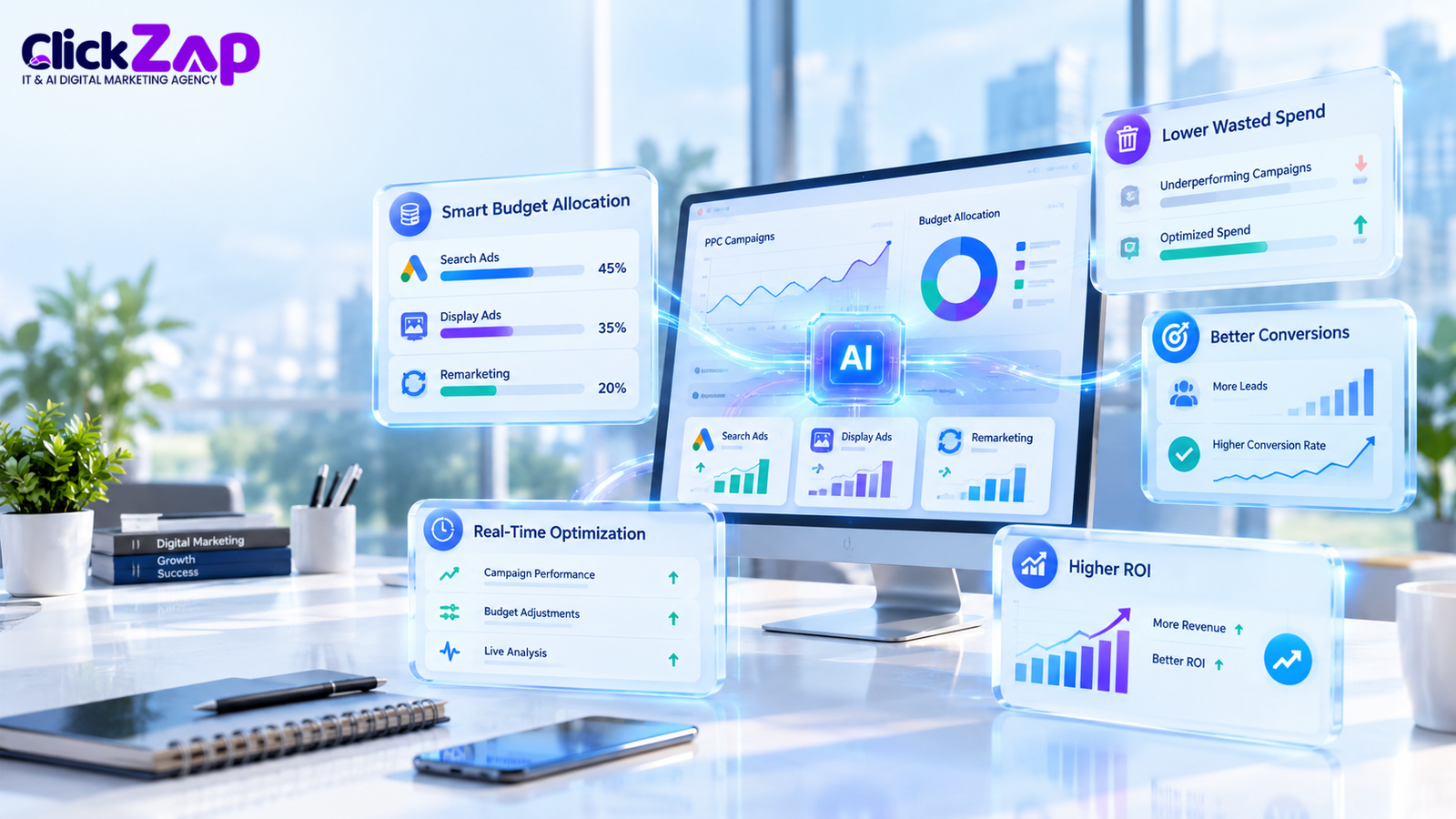
When tracking and campaign settings are sound, businesses can aim for these benefits:
- Reduced wasted spend. Underperforming areas surface sooner, so you can fix or pause them.
- Better use of budget. Money moves toward campaigns that meet your CPA or ROAS targets, which supports stronger PPC ad spend optimization.
- More conversion opportunities. Campaigns that are profitable but limited by budget become visible.
- More informed bidding. Automated bidding weighs signals no person can process at auction speed.
- Faster analysis. Reviews that took hours can take minutes.
- Campaign level visibility. You see cost, conversions, and value per campaign side by side.
- More efficient management. Your team spends less time on routine checks and more on strategy, creative, and landing pages.
These are potential benefits, not guarantees. Savings and return on investment depend on your market, competition, budget, tracking quality, and how mature your campaigns are.
How to Optimize PPC Budget Using AI: A Step by Step Guide
This process turns AI powered PPC budget allocation into a routine you can repeat, and it supports PPC campaign budget optimization at any account size.
- Define goals and objectives. Pick one primary goal per campaign: leads, sales, calls, or store visits. Set numeric targets, such as a target CPA or a minimum ROAS.
- Set up accurate conversion tracking. Use Google Ads conversion tracking, import Google Analytics 4 key events if you rely on them, and test that each conversion fires once. AI learns from this data, so errors teach it the wrong lessons.
- Audit current campaigns and history. Review as much history as you have, and note seasonality, past changes, and tracking gaps.
- Group campaigns by objective, audience, product, or service. Compare like with like. Do not judge brand search against cold prospecting.
- Identify campaigns that deserve closer budget review. Look for profitable campaigns limited by budget, and for high spend campaigns with weak conversions.
- Use relevant AI tools and platform recommendations. Review recommendations, forecasts, and reports. Treat each as input and apply it only when it fits your goals.
- Apply suitable automated bidding where appropriate. Move to Smart Bidding when a campaign has enough conversion data and a clear goal.
- Review budget distribution and limitations. Check budget caps, shared budgets, learning periods, and campaign type constraints before moving money.
- Monitor CPA, ROAS, conversion volume, and profitability. Watch them together, because one metric can look good while another slips.
- Test and refine. Change one thing at a time where possible, give each change time to collect data, and record what you learn.
Never shift budget based on clicks alone. A campaign with 5,000 clicks and no conversions has not earned more money.
How to Allocate PPC Budget Across Campaigns
Good allocation balances evidence with strategy. These are the factors worth weighing:
- Objective. Fund campaigns by the job they do. Lead generation, remarketing, and brand protection justify different spend levels.
- Historical conversions. Campaigns with steady conversions give reliable data. Campaigns with a handful do not.
- CPA and ROAS. Compare each campaign against its own target, not against the account average.
- Profit margins. Break even ROAS equals 1 divided by your gross margin. A 25% margin means a break even ROAS of 4.0.
- Business priorities. A product launch may justify spending above current efficiency, as a deliberate choice.
- Data availability. New campaigns need room to gather data before you judge them.
- Learning periods and spending limits. Large budget changes can disrupt automated learning, and no campaign can spend beyond its caps.
This is the core of paid advertising budget management: the numbers inform the split, and your priorities decide the exceptions.
Hypothetical Monthly Budget Example
This example is hypothetical and illustrative only. It is not a recommendation, and it does not predict real results.
A business spends ₹300,000 per month across three campaigns. Assume a 25% gross margin on the e-commerce products.
|
Campaign |
Monthly spend |
Result |
Efficiency |
Target |
Status |
|
A: B2B demo request Search (lead generation) |
₹100,000 |
40 qualified leads |
CPA ₹2,500 |
CPA ₹3,000 or lower |
Better than target |
|
B: E-commerce Shopping |
₹120,000 |
₹420,000 revenue |
ROAS 3.5 |
Break even ROAS 4.0 |
Below break even |
|
C: Local service Search (Hyderabad home services) |
₹80,000 |
25 booked enquiries |
CPA ₹3,200 |
CPA ₹3,000 or lower |
Slightly above target |
Check the math for Campaign B: ₹420,000 revenue at a 25% margin gives ₹105,000 gross profit, which is ₹15,000 less than the ₹120,000 ad spend.
Here is how a marketer might read it:
- Campaign A beats its target. If Google Ads also shows it as limited by budget, a ₹15,000 increase is a reasonable test.
- Campaign B is below break even, but do not just cut it. Check margins by product, feed quality, pricing, and which products absorb the spend. A ₹15,000 reduction while you investigate is a cautious option.
- Campaign C is close to target. Hold the budget and review lead quality, location settings, and search terms first.
The test split becomes ₹115,000, ₹105,000, and ₹80,000, which still totals ₹300,000. After several weeks, compare CPA, ROAS, and profit. Campaign A’s CPA may rise as it reaches less qualified searches, so scale in steps.
Best AI Digital Marketing Agency in Hyderabad
AI Bidding Strategies for PPC and Google Ads Budget Optimization
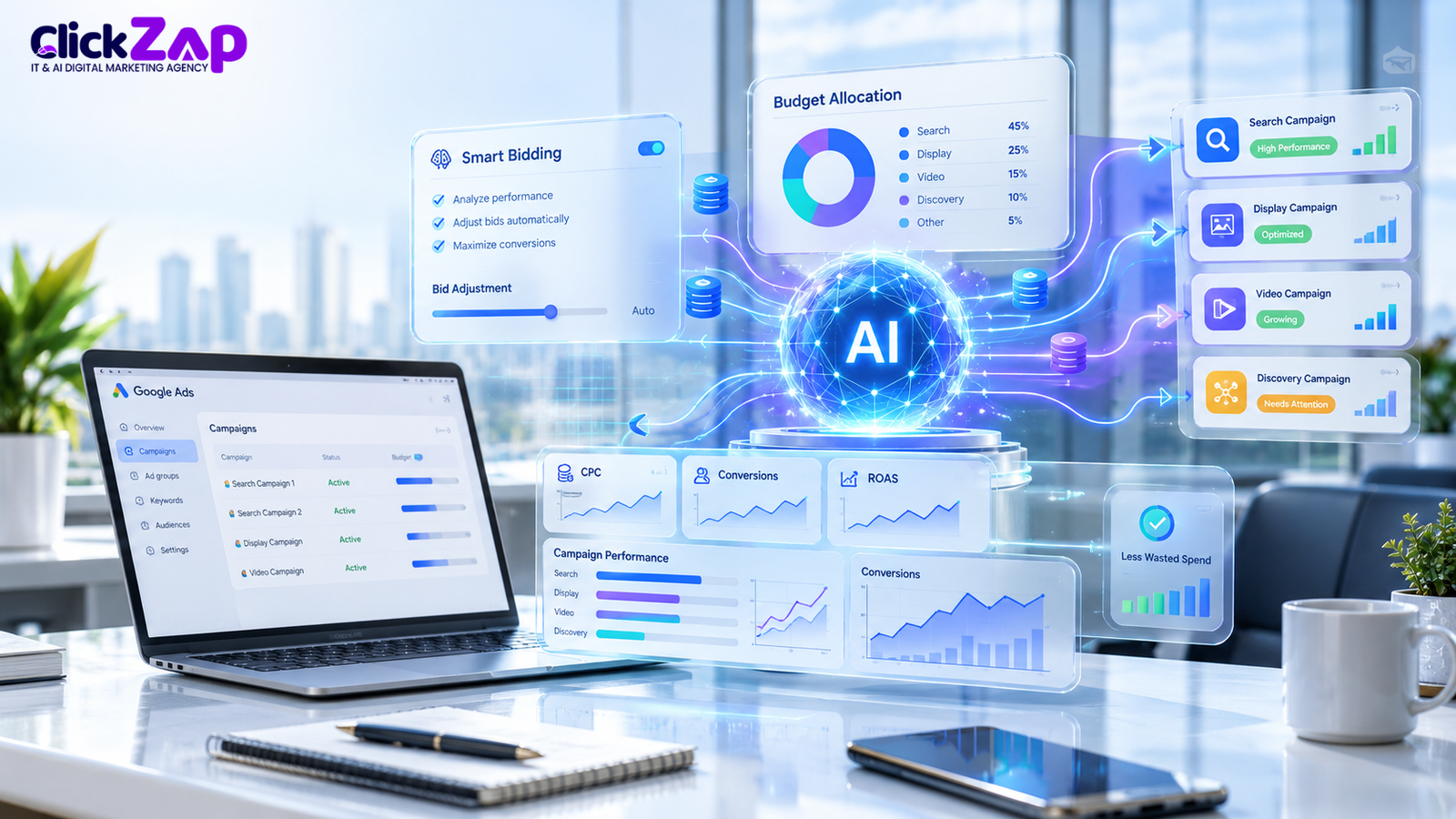
A bidding strategy decides how much you bid for each auction. A campaign budget decides how much you are willing to spend over a period. They are separate controls. A bidding strategy cannot create a budget, and a larger budget will not fix a poor bidding setup. Bidding is one part of automated PPC budget allocation, not all of it.
Smart Bidding and Its Main Strategies
Smart Bidding is Google Ads’ group of automated strategies that use machine learning to optimize for conversions or conversion value at auction time. Signals include device, location, and time of day.
- Target CPA aims to get as many conversions as possible at an average CPA you set.
- Target ROAS aims to get as much conversion value as possible at a ROAS you set. It needs reliable conversion values.
- Maximize Conversions aims to get the most conversions for your budget.
- Maximize Conversion Value aims to get the highest total conversion value for your budget.
Google has been folding Target CPA and Target ROAS into the Maximize strategies as optional targets in many accounts, so check the current interface and documentation.
Manual Versus Automated Bidding
Manual bidding gives you control over each bid. It takes more work, and it can suit new campaigns with little data. Automated bidding adapts at auction time but depends on conversion data and offers less transparency. Smart Bidding does not guarantee the best split across all your campaigns, because each campaign optimizes inside its own budget.
Availability and performance depend on campaign type, account settings, conversion data, and platform requirements. Good AI bidding strategies for PPC start with clean conversion data and a clear target.
Best AI Tools for PPC Budget Optimization
No single tool does everything, and the best AI powered PPC budget allocation setup usually combines a few. Here is what each one can and cannot do. Features and names change, so verify them in official documentation.
- Google Ads automation and recommendations. Can: run Smart Bidding and Performance Max, show budget recommendations, and offer bid and budget simulators for some campaign types. Cannot: guarantee results or automatically rebalance budgets across all your campaigns. Review auto applied recommendations before relying on them.
- Google Ads Keyword Planner. Can: suggest keywords, show search volume data, and forecast clicks and costs for a planned budget. Cannot: show your own account performance or tell you how to split the budget. Forecasts are estimates, and volume data may appear as ranges depending on account activity.
- Google Analytics 4 (GA4). Can: measure behavior on your website and app through events, report on key events (formerly called conversions), and link to Google Ads. Cannot: set budgets or bids. Its numbers can differ from Google Ads because of different attribution and counting methods.
- Google Marketing Platform. Can: provide a family of enterprise products, including Analytics, Tag Manager, Search Ads 360, Display & Video 360, and Campaign Manager 360, for cross channel measurement and buying. Cannot: replace strategy, and it is built mainly for larger advertisers. Check current product details with Google.
- Microsoft Advertising. Can: reach Bing and partner network audiences, import campaigns from Google Ads, track conversions with its Universal Event Tracking (UET) tag, and use automated bidding options. Cannot: be assumed identical to Google Ads. Features and availability vary by market and campaign type.
- Meta Ads Manager. Can: distribute a campaign’s budget across ad sets through Advantage campaign budget, and report on results using the Meta Pixel and Conversions API data. Cannot: move money between separate campaigns or across other platforms.
- Third-party reporting tools. Only relevant if you run several platforms. Dashboards such as Looker Studio can combine data from different sources into one view. They show you the picture. They do not decide the budget.
Important PPC Metrics to Monitor
Budget decisions are only as good as the metrics behind them. Here are the ones that matter most.
|
Metric |
What it tells you |
Formula |
|
Cost per click (CPC) |
Price paid for each click |
Total cost ÷ clicks |
|
Conversion rate |
Share of clicks that become conversions |
Conversions ÷ clicks × 100 |
|
Cost per acquisition (CPA) |
Cost of one conversion |
Total cost ÷ conversions |
|
Return on ad spend (ROAS) |
Revenue earned per rupee spent |
Conversion value ÷ cost |
|
Total conversions |
Number of completed tracked actions |
Count of conversion actions |
|
Conversion value |
Worth assigned to those conversions |
Sum of assigned values |
|
Impression share |
Share of eligible impressions your ads received |
Impressions ÷ estimated eligible impressions |
|
Break even ROAS |
ROAS at which ad spend is covered |
1 ÷ gross margin |
|
Profit (simple view) |
What is left after costs |
Revenue − product costs − ad spend |
|
Customer lifetime value (CLV) |
Long term value of a customer |
Depends on your own reliable data |
Use impression shares where it applies, for example to see whether a campaign loses visibility because of budget. Use CLV only when you have reliable customer data.
Cheap clicks do not guarantee profitable advertising. In this hypothetical comparison, a ₹10 CPC with a 1% conversion rate gives a CPA of ₹1,000. A ₹40 CPC with an 8% conversion rate gives a CPA of ₹500. The expensive click is the better buy. That is why cost per click optimization must always be read alongside conversion rate.
The same logic applies to return on ad spend optimization. A ROAS of 4.0 breaks even at a 25% margin and is profitable at a 50% margin. Read ROAS next to margins, returns, and business costs, or it will mislead you.
Common Mistakes to Avoid When Using AI for PPC Budget Allocation
Most problems with AI powered PPC budget allocation come from people, not software. Here are eight common ones and their fixes.
|
Mistake |
Practical fix |
|
Trusting recommendations without context |
Check each suggestion against your goals, margins, and capacity before applying it. |
|
Incomplete tracking |
Audit tags, test every conversion action, and import offline lead outcomes where possible. |
|
Changing too often before data accumulates |
Set a review schedule and allow time for automated learning after each change. |
|
Optimizing only for clicks or impressions |
Optimize toward conversions or conversion value. |
|
Applying one strategy to every campaign |
Match the bidding strategy to each campaign’s objective and data volume. |
|
Ignoring margins and lead quality |
Use break even ROAS and track qualified leads or completed sales, not just form fills. |
|
Scaling budgets without checking capacity |
Confirm stock, staff, service area, and sales follow-up can handle more volume first. |
|
Assuming automation removes the need for oversight |
Review search terms, placements, and unusual spikes on a regular schedule. |
How to Measure the Success of AI Powered PPC Budget Allocation
You cannot judge AI powered PPC budget allocation without a starting point. Follow this sequence:
- Establish a baseline. Record CPA, ROAS, conversion volume, and spend for a period long enough to include normal ups and downs.
- Define measurable objectives. For example, a lower CPA at stable volume, or higher revenue at the same ROAS. Write them down before changing anything.
- Compare comparable periods. Compare similar weeks, not a festival sale month against a quiet one.
- Assess the budget changes. Note what moved, by how much, and when, so you can connect changes to outcomes.
Track CPA, ROAS, qualified leads, conversion volume, revenue, and profit together. A lower CPA means little if lead quality falls or total volume collapses.
Expect confounding factors: seasonality, competitor activity, pricing changes, stock outs, website changes, and tracking changes can all move results on their own. Where suitable, use controlled experiments. Google Ads experiments let you split traffic between an original campaign and a trial version, and Meta offers A/B testing. Run them long enough to collect meaningful data.
Start the conversation with our team
Frequently Asked Questions
What is AI powered PPC budget allocation?
It is the use of machine learning and automation to analyze campaign data and guide how budget is split across campaigns, keywords, audiences, or channels. The system highlights where spend converts efficiently and where it does not. Some actions, such as bidding, can be automated, while others are recommendations that a marketer reviews and applies.
How can AI reduce wasted PPC ad spend?
AI can spot patterns people miss: search terms that attract clicks without conversions, devices or locations that cost more per sale, and campaigns that spend steadily with little return. Flagging these early lets you add negative keywords, adjust targeting, or move budget. It only helps if conversion tracking is accurate and someone acts on the findings.
How do I optimize my Google Ads budget using AI?
Start with accurate conversion tracking and clear CPA or ROAS targets. Review budget recommendations and any limited by budget status, then group campaigns by objective before comparing them. Use Smart Bidding where you have enough conversion data, change budgets in modest steps, and monitor results for several weeks. Judge changes by conversions and profit, not clicks.
Which AI tools are useful for PPC budget optimization?
Google Ads automation, Keyword Planner, and Google Analytics 4 cover most Google needs. Microsoft Advertising and Meta Ads Manager offer their own automated bidding and budgeting tools. A reporting dashboard can combine data across platforms. Choose based on the platforms you use, your data volume, and your goals, and confirm current features in official documentation.
Can AI automatically allocate budgets across PPC campaigns?
Partly, and only inside defined limits. Smart Bidding adjusts bids, Performance Max distributes spend across Google channels within one campaign, and Meta’s Advantage campaign budget spreads a campaign’s budget across ad sets. Unless a tool’s documentation says it reallocates budgets across separate campaigns, plan on making that decision yourself.
How does AI powered PPC budget allocation improve ROAS?
It can improve ROAS indirectly by directing more spend to campaigns that generate higher conversion value per rupee and trimming spend where returns are weak. Value based bidding can also favor higher value conversions. Gains are not guaranteed. They depend on tracking quality, margins, competition, and campaign maturity, so compare ROAS against your break even level.
Conclusion
AI powered PPC budget allocation gives you faster analysis, clearer campaign level visibility, and better evidence for where each rupee should go. It also has limits. It cannot fix broken tracking, set your goals, or understand your margins. Treat AI as an analyst, not an autopilot.
The businesses that get the most from it do three things well: they track conversions accurately, they set targets that reflect real profit, and they review performance on a regular schedule. Do those, and the tools have something useful to work with.
If you want a second opinion on your PPC budget, talk to ClickZap IT, a digital marketing agency in Hyderabad. We can discuss PPC management, Google Ads optimization, or a data driven advertising strategy built around your goals.
Also Read: AI Landing Page Optimization for Google Ads: Improve Relevance and Conversions
0 Comments