
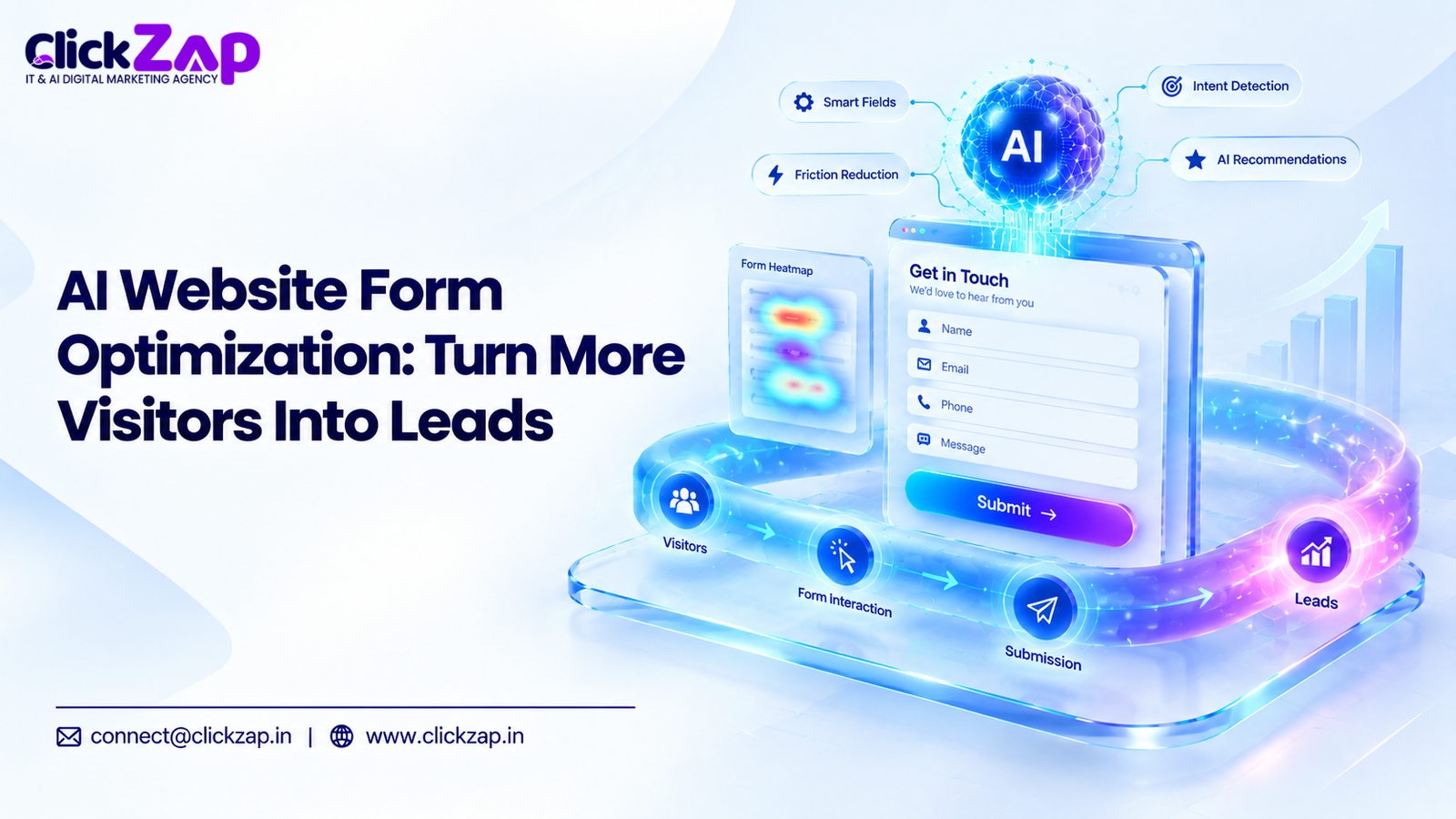
Your website form is where interest becomes a conversation. Everything before it exists to get someone to that form. Yet many businesses spend heavily on traffic and then lose visitors at the last step, which is exactly the gap AI website form optimization is built to close.
The usual causes are boring: too many fields, vague labels, a form that is painful on a phone, or an error message that wipes out half the entry. Each one adds friction, and friction costs leads.
AI website form optimization gives marketers a faster way to find these problems. It analyzes visitor behavior, points to where people drop off, suggests fixes, and helps you test them. It does not replace judgment. It replaces guesswork.
This guide explains what it is, how it works, which tools fit where, and how to run it step by step.
What Is AI Website Form Optimization?
AI website form optimization is the use of artificial intelligence to analyze how visitors interact with website forms, find what stops them from finishing, and test improvements. The goal is to reduce friction, raise completion rates, and capture more and better leads.
That is the short answer. Here is the longer one.
Website form optimization is the practice of improving a form so more visitors complete it. Traditional form optimization is manual. Someone looks at analytics, spots a weak point, guesses a fix, and runs a test.
What AI adds:
- Pattern detection at scale. AI can review thousands of sessions and flag where people hesitate, backtrack, or quit.
- Faster analysis. Work that took days of spreadsheet digging can be summarized in minutes.
- Suggestions. AI can draft alternative labels, CTA copy, error messages, and field orders for you to test.
- Personalization. With the right data and consent, forms can adapt to the visitor.
What AI does not do: it does not know your business. It cannot tell you which lead is valuable to your sales team unless you tell it. A marketer still sets the goals, configures the tools, reviews the output, and runs the tests.
Think of AI as a sharp analyst, not an autopilot.
Why Website Form Optimization Matters for Lead Generation
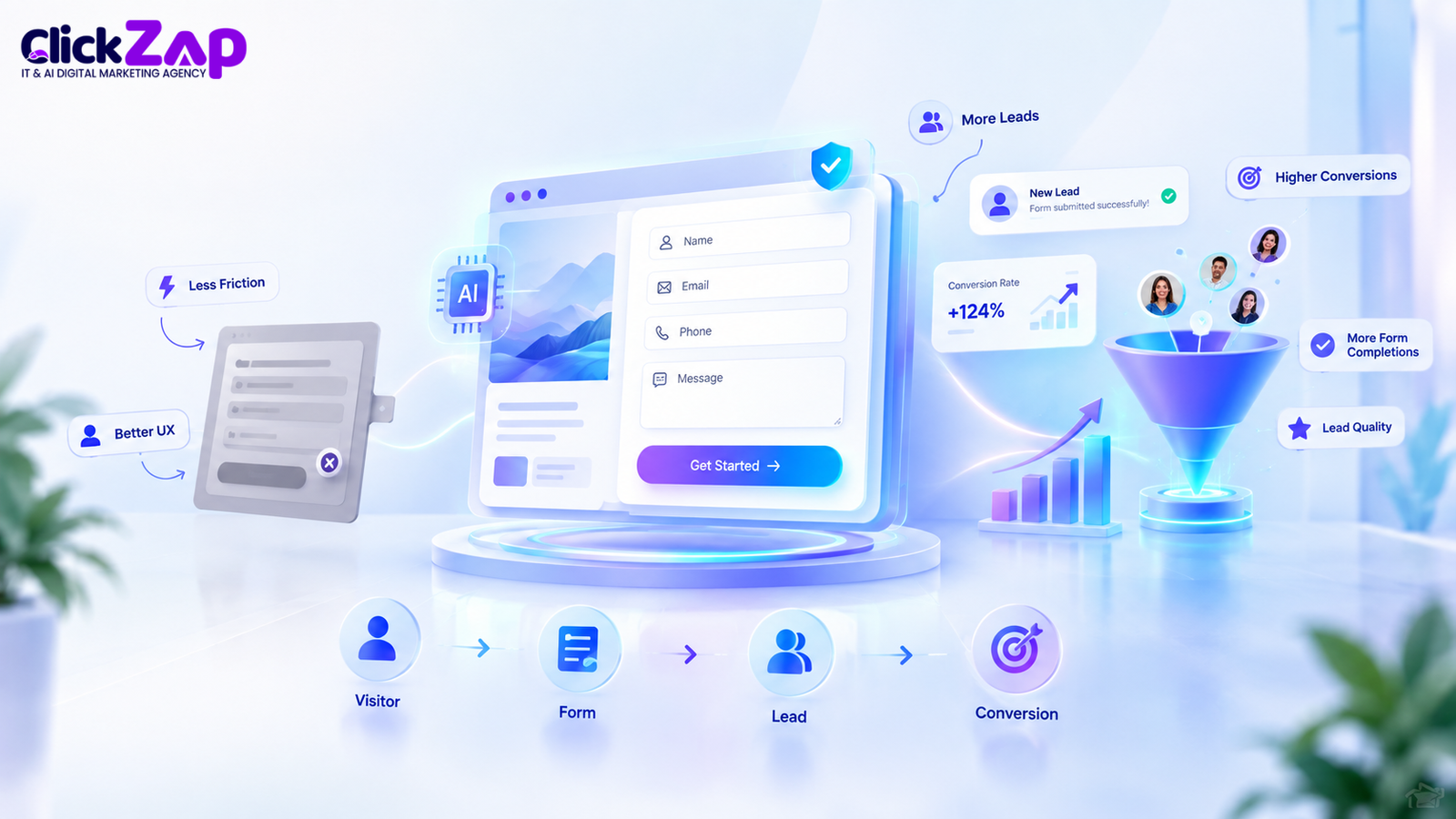
More traffic does not fix a leaky form. If 1,000 people reach your form and only a few finish it, the problem is not traffic. It is the form.
Five terms matter here:
- Form abandonment: a visitor starts filling out a form and leaves before submitting.
- Form completion rate: the share of people who start the form and finish it.
- Form conversion rate: the share of all form viewers who submit it.
- Form friction: anything that makes filling out the form harder, slower, or more confusing than it needs to be.
- Lead capture: getting a visitor’s contact details so you can follow up.
Friction is the enemy. A visitor who wanted to talk to you five seconds ago will not push through a confusing form. They will close the tab.
There is also a quality side. A form that asks for too little gives you leads you cannot qualify for. A form that asks for too much scares off good prospects. The right balance depends on your business, which is why testing beats copying a competitor’s form.
Every abandoned form is a lost opportunity you already paid for. Fixing it is often cheaper than buying more traffic.
How AI Can Optimize Website Forms
Here are the main ways AI helps with lead form optimization.
AI Identifies Form Friction
AI-assisted analysis can surface patterns that are easy to miss by eye. It can flag:
- Too many fields. A pile of required fields is the most common cause of abandonment.
- Confusing questions. Fields where many users pause, edit, or leave.
- Unclear labels. Labels like “Requirement” or “Details” leave people guessing.
- Poor layout. Cramped spacing, hidden fields, or a form buried below the fold.
- Weak CTA. A button that says “Submit” gives no reason to click.
- Slow loading forms. A form that takes time to appear or submit loses impatient visitors.
- Mobile usability problems. Tiny tap targets, the wrong keyboard type, or fields that jump around.
Tools such as Microsoft Clarity and Hotjar record sessions and show heatmaps. AI summaries on top of that data can point you to the sessions worth watching, so you don’t sit through hundreds of recordings.
AI Optimizes Form Fields
Form field optimization is usually the quickest win. AI can help you decide:
- Which fields are necessary. Ask what your team truly needs for the first conversation.
- Which fields can go. Fields nobody uses in follow up are dead weight.
- Which can be simplified. A dropdown can replace a free text box. One “Full name” field can replace two.
- What to ask first. Easy questions like name and email usually go before harder ones like budget.
A practical rule: if your sales team never uses the answer in the first call, question whether the field belongs on the form.
Fewer fields is not always better, though. A “budget range” field may cut lead volume but improve lead quality. Test it before you decide.
AI Improves Form User Experience
Form UX covers everything a visitor feels while filling out the form. AI can suggest improvements to:
- Layout: single column forms are generally easier to scan than multi-column ones.
- Question order: start easy, ask sensitive questions later.
- Error messages: “Enter a valid phone number, for example 98765 43210” beats “Invalid input.”
- Field instructions: short hints under a field prevent mistakes.
- CTA messaging: “Get my free audit” outperforms “Submit” in many cases, but only a test on your audience will tell you.
Generative AI tools such as ChatGPT can draft several versions of labels, hints, and button text in seconds. You pick the best candidates and test them.
AI Helps Reduce Form Abandonment
Form analytics shows you where people leave. AI helps you interpret why.
For example, GA4 can track form starts and submissions. If many people start but few finish, the problem is inside the form. Session recordings might then show people stalling on a phone number field or quitting at a required “Company size” dropdown.
Once you find the drop off point, you form a hypothesis: “Making the company size field optional will reduce abandonment.” Then you test it. AI speeds up the finding and the hypothesis. The test still decides.
AI Supports Mobile Form Optimization
A large share of website visits in India come from phones, so mobile form optimization is not optional. Mobile users have less patience, smaller screens, and clumsier thumbs.
Mobile-friendly forms should:
- Use large tap targets and clear spacing
- Show the right keyboard (numeric for phone, email keyboard for email)
- Support autofill wherever possible
- Avoid long dropdowns that are hard to scroll
- Load quickly on slower connections
AI assisted analysis can compare mobile and desktop behavior and show whether one device type drops off more. If it does, fix the mobile experience first.
AI Can Personalize Website Forms
Personalization means the form adapts to the visitor. Depending on your setup, it could change based on:
- User behavior: pages visited before the form
- Traffic source: a visitor from a pricing page ad may see a different form than a blog reader
- Returning visitors: prefilled or shortened fields for known contacts
- Customer segment: different questions for a small business and an enterprise
- Previous interactions: skipping questions you already know the answer to
- Intent signals: showing a “book a demo” form to high intent visitors
A caution: personalization relies on data. Before you use it, check your privacy, consent, and data protection obligations. In India, that includes the Digital Personal Data Protection Act, 2023. If you serve visitors in the EU, GDPR applies too. Collect only what you need and be clear about how you use it.
How AI Improves Lead Quality, Not Just Lead Quantity

More leads is not the same as better leads. A form that gets 200 submissions from people who will never buy is worse than one that gets 60 from serious prospects.
A shorter form usually raises volume. It can also lower quality, because you ask fewer qualifying questions. Good form conversion optimization balances both.
Ways to improve lead quality:
- Relevant questions. Ask one or two questions that separate serious buyers from browsers, such as service needed or timeline.
- Qualification logic. Conditional fields can ask follow ups only when they matter.
- Segmentation. Route enterprise inquiries to one team and small-business inquiries to another.
- CRM data. Compare which form submissions turned into customers and which did not, then adjust the form to attract more of the first group.
This is where CRM platforms come in. HubSpot and Salesforce store lead records, track their progress, and support lead scoring. AI features inside these platforms can help prioritize leads, but the value comes from feeding them clean form data. If your form doesn’t collect useful information, no CRM can rescue it.
The best signal is what happens after submission. Did the lead get contacted? Did they book a call? Did they become customers? Optimize for that, not for submission count alone.
How to Use AI for Website Form Conversion Optimization
Here is a step by step process you can follow.
- Track current form performance. Set up GA4 and Google Tag Manager to record form views, starts, and submissions. You cannot improve what you don’t measure.
- Identify form abandonment points. Find where people leave. Is it the first field, a specific question, or the submit button?
- Analyze user behavior. Use heatmaps and session recordings from Microsoft Clarity or Hotjar. Use AI summaries to find patterns faster.
- Identify unnecessary fields. List every field. Mark which ones your sales team actually uses.
- Improve form UX. Fix layout, spacing, labels, and error messages. Use a single column where possible.
- Optimize form copy. Rewrite headings, labels, and hints so they are clear and specific. AI writing tools can produce drafts for you to edit.
- Improve CTA messaging. Replace generic button text with wording that reflects the benefit, such as “Get my free quote.”
- Optimize the mobile experience. Test the form on real phones. Check keyboards, tap targets, and load speed.
- Test different versions. Run an A/B test with one main change at a time so you know what caused the difference.
- Measure results. Compare form completion rate, conversion rate, and lead quality between versions.
- Keep improving. Audiences change. Review your form data every month or quarter and keep testing.
The order matters. Measure before you change anything. Otherwise you will not know whether your changes helped.
Digital Marketing Services for business
Tools for AI Assisted Website Form Optimization
Not every tool below is an “AI form optimizer.” Most are analytics, testing, or lead management tools that support the process. AI is one layer, and you combine tools to build a workflow.
|
Tool |
Category |
How It Can Help |
Relevant Use |
|
Google Analytics 4 (GA4) |
Analytics |
Tracks events such as form starts and submissions, and shows traffic sources and device splits |
Measuring form performance and conversion paths |
|
Google Tag Manager |
Tag management |
Fires tracking tags without editing site code |
Setting up form tracking and custom events |
|
Microsoft Clarity |
Behavior analysis |
Free heatmaps and session recordings, with AI generated summaries |
Finding where visitors struggle in a form |
|
Hotjar |
Behavior analysis |
Heatmaps, session recordings, and feedback surveys |
Understanding why visitors leave |
|
HubSpot |
CRM and forms |
Form builder, lead records, lead scoring, and workflows |
Managing leads and connecting form data to sales outcomes |
| Salesforce |
CRM |
Lead management, routing, and reporting |
Enterprise lead tracking and qualification |
|
Optimizely |
A/B testing |
Experimentation for web pages and forms |
Running controlled tests on form variations |
|
Typeform |
Form builder |
Conversational forms with conditional logic |
Multi step, engaging forms |
|
Jotform |
Form builder |
Flexible forms with many integrations |
Building and connecting forms quickly |
|
Unbounce |
Landing pages |
Landing page builder with testing features |
Optimizing the page around the form |
|
OpenAI / ChatGPT |
AI assistant |
Drafts copy, summarizes feedback, and helps analyze exported data |
Generating label, CTA, and error message ideas |
A note on Google Optimize. Google Optimize was a free A/B testing tool from Google. Google discontinued it in September 2023. It is no longer available, so do not build a testing plan around it. Alternatives include Optimizely and other dedicated testing platforms.
Also remember: ChatGPT can suggest copy and help interpret data you give it. It does not watch your live website unless you connect it to real data. Treat its output as a draft to verify.
AI Website Form Optimization vs Traditional Form Optimization
Both approaches aim at the same result. The difference is how you get there.
|
Area |
Traditional Optimization |
AI Assisted Optimization |
|
Data analysis |
Manual review of reports |
Automated pattern detection across larger datasets |
|
User behavior analysis |
Watching a sample of recordings |
AI summaries that highlight sessions worth reviewing |
|
Personalization |
Broad, rule based segments |
Can adapt to behavior and context, subject to consent |
|
Testing |
Ideas come from the team |
AI suggests more variations to test |
|
Form field optimization |
Based on intuition and past experience |
Based on drop off and completion data |
|
Speed of analysis |
Days or weeks |
Often minutes to hours |
|
Scalability |
Limited by team time |
Easier to scale across many forms and pages |
|
Decision making |
Human judgment alone |
Human judgment supported by data |
AI does not automatically win. A small site with little traffic may not generate enough data for AI to find reliable patterns. In that case, a careful manual review and a few clear changes may work just as well.
Practical Example of AI Form Optimization
Take a digital marketing agency with a contact form that has 10 fields:
Name, email, phone, company, job title, website, service needed, budget, timeline, and a long message box. All fields are required.
Step 1: Track. The agency sets up GA4 and Google Tag Manager to record form views, starts, and submissions.
Step 2: Analyze. Session recordings show many visitors stopping at “Budget” and “Job title.” Mobile users struggle with the long message box. AI-assisted analysis groups these sessions and highlights the same drop off points.
Step 3: Diagnose. The team concludes:
- Budget and job title feel intrusive at first contact
- The message box is hard to use on phones
- “Submit” gives no reason to click
Step 4: Test. They build a shorter version: name, email, phone, service needed, and an optional message. Budget and timeline move to a follow up step after submission. The button reads “Get my free consultation.”
They run an A/B test where half the visitors see the old form and half see the new one.
Step 5: Measure. They compare:
- Form views: how many people saw the form
- Form starts: how many began filling it out
- Form completion rate: starts that finished
- Form conversion rate: views that turned into submissions
- Lead quality: how many leads were qualified after sales follow up
The last metric matters most. If submissions rise but qualified leads fall, the shorter form may be attracting the wrong people, and the agency needs to adjust. There is no promised result here. The test tells you what works for that audience.
Best Practices for Creating High Converting Website Forms

- Ask only necessary questions. Every field should earn its place.
- Keep forms simple. One column, clear grouping, and plenty of white space.
- Use clear labels. Say exactly what you want. Avoid clever wording.
- Write useful CTA text. Tell visitors what they get, such as “Book my strategy call.”
- Reduce friction. Enable autofill, avoid CAPTCHAs that frustrate real users, and don’t force account creation.
- Make forms mobile friendly. Use the right input types and big tap targets.
- Use helpful validation. Show errors next to the field and explain how to fix them. Don’t erase what the user typed.
- Build trust. Add a short privacy note, a link to your privacy policy, and a line about how you will respond.
- Test variations. Change one thing at a time and let the test run long enough to be meaningful.
- Monitor analytics. Review form data regularly, not once a year.
- Focus on lead quality. Track what happens after submission, not just the submission itself.
Common AI Website Form Optimization Mistakes
- Relying entirely on AI without human review. AI suggestions can be generic or wrong for your audience. A person should check every change.
- Adding too many fields. More data is not more useful data.
- Collecting unnecessary user data. It increases privacy risk and lowers completion.
- Ignoring mobile users. Many of your visitors are on phones.
- Focusing only on conversion rate. A higher rate means little if the leads are poor.
- Ignoring lead quality. Ask sales whether the leads are any good.
- Not tracking form abandonment. Without it, you cannot see where the problem is.
- Making too many changes at once. You will not know what worked.
- Failing to run controlled tests. Before and after comparisons can be misleading because traffic changes over time.
- Ignoring privacy and consent. Follow applicable data protection laws, and be transparent about how you use form data.
How to Measure Website Form Optimization Results
These are the numbers to watch, in plain language:
- Form start rate: the percentage of viewers who begin filling out the form. Low start rate suggests the form looks intimidating or the page isn’t convincing.
- Form completion rate: the percentage of starters who finish. Low completion points to friction inside the form.
- Form abandonment rate: the opposite of completion rate. The share who start and leave.
- Form conversion rate: the percentage of all viewers who submit. This is your overall form performance number.
- Lead conversion rate: the percentage of leads who become customers or reach a defined sales stage.
- Lead quality: how well leads match your ideal customer, judged by your sales team.
- Qualified lead rate: the share of leads that meet your qualification criteria.
- Cost per lead: how much you spend to get each lead. Lower cost per lead is only good if quality holds.
How your tools fit:
- GA4 tracks form events and shows which sources and devices convert best.
- Google Tag Manager sets up the tracking without changing site code.
- CRM systems such as HubSpot or Salesforce connect a form submission to what happened next.
- Behavior tools like Microsoft Clarity and Hotjar explain the “why” behind the numbers.
Measure over a long enough period to reduce the effect of one off spikes, and compare like with like.
Is AI Website Form Optimization Right for Your Business?
It can help most businesses that depend on website forms for leads. How much it helps depends on your traffic, your form, and your sales process.
- Local businesses: simple, mobile first forms and click to call options can help capture nearby customers.
- Service businesses: qualifying questions help you focus on serious inquiries.
- B2B companies: longer sales cycles make lead quality and CRM alignment critical.
- SaaS companies: demo and trial forms benefit from careful field reduction and personalization.
- E-commerce businesses: checkout and newsletter forms are prime spots to reduce friction.
- Agencies: contact and audit request forms directly affect new business.
- Professional services: consultation forms need a balance of trust and qualification.
If your site gets very little traffic, start with basic best practices. Advanced AI analysis needs enough data to be useful. No approach can guarantee more leads, but a clear process makes improvement far more likely than guessing.
How ClickZap IT Can Help With Website Conversion Optimization
ClickZap IT is a digital marketing agency in Hyderabad that works with businesses on lead generation and growth. Form problems rarely exist in isolation. A weak form is often tied to weak landing pages, mismatched ads, or missing tracking.
A digital marketing agency can help by:
- Auditing forms, landing pages, and conversion paths
- Setting up GA4, Google Tag Manager, and conversion tracking
- Planning A/B tests and reading the results properly
- Aligning SEO and paid advertising traffic with the right landing pages
- Using AI powered marketing strategies to speed up analysis and testing
- Connecting form data to CRM so lead quality can be measured
Where AI Website Form Optimization Fits Into a Bigger Strategy
Form work delivers the most when it sits inside a wider conversion plan. Better SEO brings the right visitors. Better landing pages persuade them. Better forms capture them. Better tracking shows what is working.
If you want to explore how our digital marketing services and conversion optimization support could improve your website’s lead generation, get in touch with our team.
Frequently Asked Questions
- What is AI form optimization?
AI form optimization uses artificial intelligence to study how visitors use your website forms, spot friction, and suggest improvements. It helps you decide which fields to keep, how to word labels and buttons, and what to test. Humans still set goals, review suggestions, and run the tests. - How does AI optimize website forms?
AI analyzes behavior data such as clicks, pauses, drop offs, and device types. It highlights problem areas, suggests changes to fields, layout, and copy, and helps prioritize tests. Marketers then run controlled experiments to confirm whether a change improves completion and lead quality. - Can AI reduce form abandonment?
AI can help reduce form abandonment by finding where visitors quit and suggesting fixes, such as removing a field or clarifying an error message. It cannot guarantee results. You need to test each change and measure whether abandonment actually falls on your site. - How can AI improve form conversion rates?
AI can improve form conversion by revealing friction, speeding up analysis, and generating variations of copy and layout to test. It may also personalize forms for different visitors. The gains depend on your audience, traffic, and offer, so testing is essential. - How does AI optimize form fields?
AI reviews which fields cause hesitation or abandonment and which ones your team actually uses. It can suggest removing, simplifying, or reordering fields. You should confirm each change against lead quality, since fewer fields can sometimes attract less qualified leads.
Conclusion
AI website form optimization is not about adding AI to a form and hoping for the best. It is about using data, user behavior, testing, personalization, and automation to remove friction and build a better form experience.
The chain is simple. Better form UX means less friction. Less friction means higher completion potential. Higher completion means better lead capture, and better capture means more real opportunities for your team to convert.
Start small. Track your form. Find one drop off point. Fix it. Test it. Repeat.
If you’d like expert help turning more of your website visitors into leads, ClickZap IT is happy to talk through your options.
Also Read: CTA Optimization Using AI: How to Get More Clicks and Leads


0 Comments