
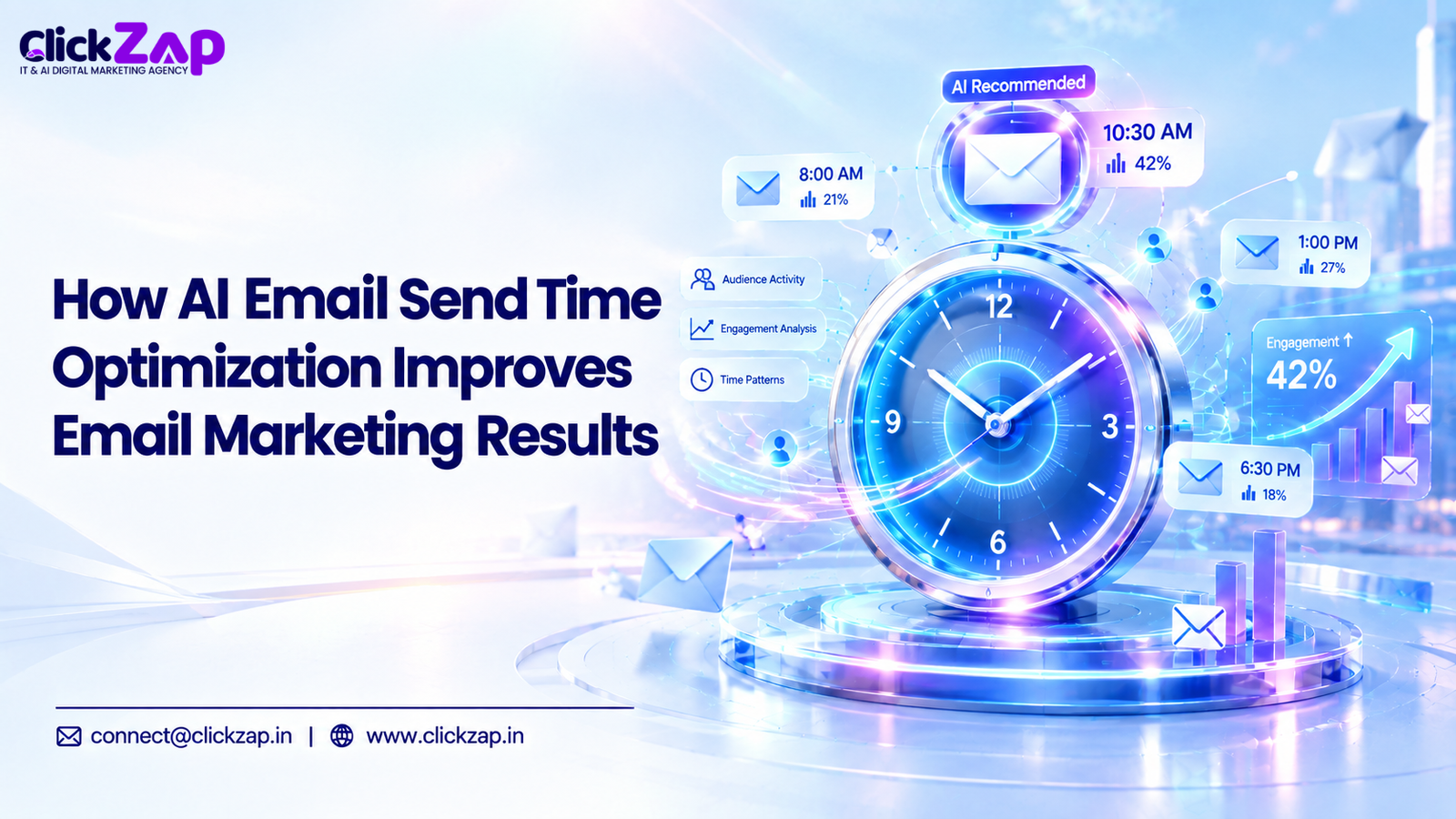
You spend two days on a campaign. The subject line is sharp, the offer is clear and the design is clean. You schedule it for Tuesday, 10 AM, because a blog said that is the best time to send. Then the report comes in, and the numbers are underwhelming. That is the gap AI email send time optimization is designed to close.
Often the problem is not the email. It is the moment it landed. Your subscriber was in a meeting, stuck in traffic or already done with their inbox for the day. Your message slid down the list under newer ones.
This is the problem AI email send time optimization is built to solve. Instead of picking one time for your whole list, it uses behavioral and engagement data to estimate when each subscriber is more likely to pay attention.
This guide explains how it works, what data it needs, where popular platforms fit and how to implement it step by step. It also covers where it falls short, because no timing tool can rescue a weak email.
What Is AI Email Send Time Optimization?
AI email send time optimization is the use of machine learning to decide when each marketing email should be delivered, based on subscriber engagement history, behavioral patterns and other signals.
The goal is to deliver your email when a subscriber is more likely to see it and act on it, rather than when it is convenient for your team.
A few related terms are worth separating, since they are often used interchangeably:
- Email send time optimization is the broader practice of choosing better sending times. You can do it manually, with spreadsheets and A/B tests, or with software.
- AI email timing optimization is the same practice, but a model analyses the data and makes the timing decisions.
- Personalized email send time means different subscribers get the same campaign at different times, based on their own behavior.
Fixed Timing vs AI Driven Timing
With a fixed schedule, everyone on your list receives the email at the same moment. It is simple, but it assumes your subscribers behave alike. They do not.
With AI driven timing, the platform looks at each subscriber’s history and assigns a likely best window. One person might get the email at 7:45 AM and another at 9:30 PM, from the same campaign.
Many platforms also fall back to a sensible default when a subscriber has too little history. That matters, because AI needs data to make good predictions.
Why Does Email Send Time Matter?
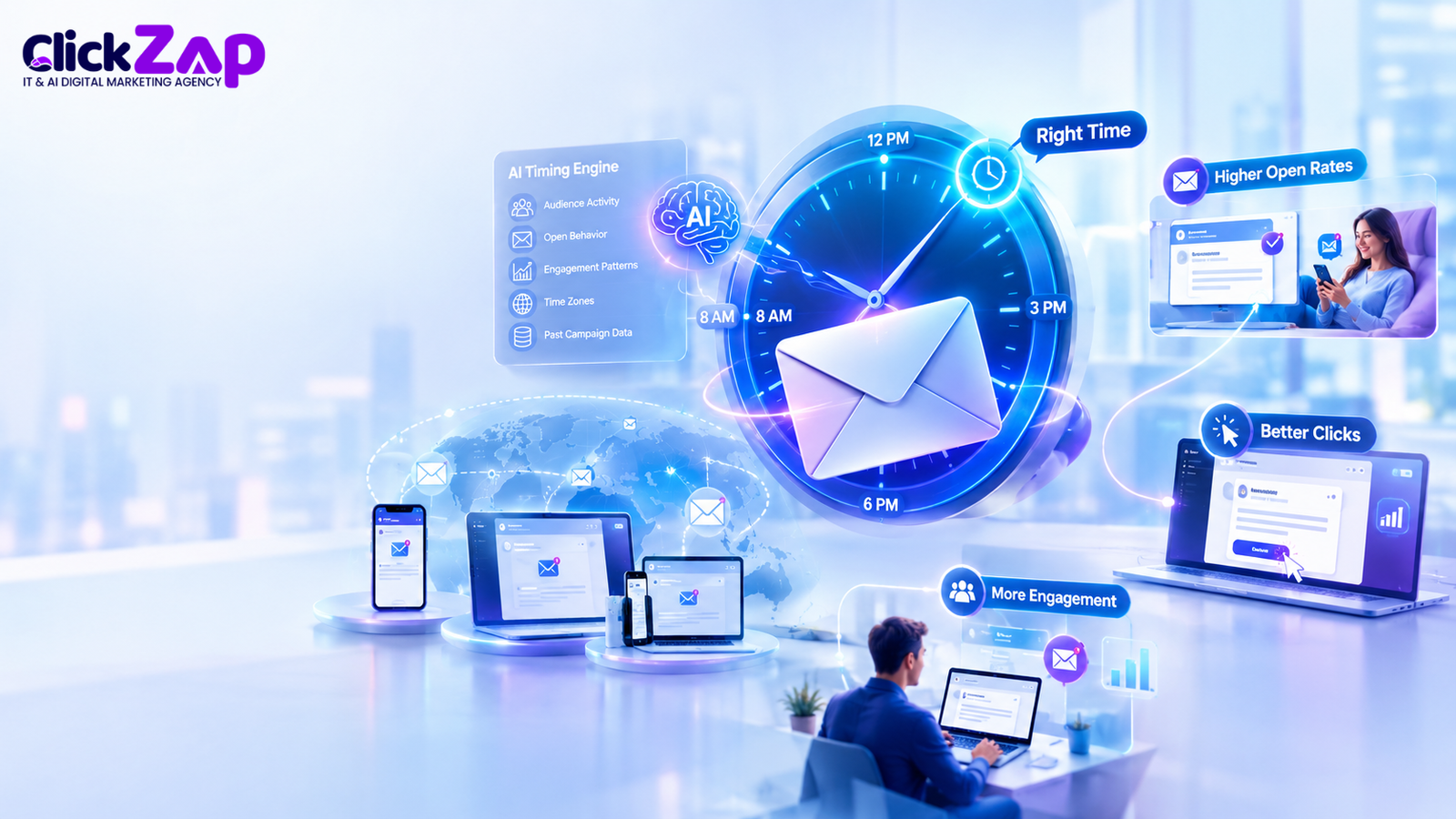
Email send time matters because it affects whether your message is seen at all, and visibility comes before every other result you care about.
An email that nobody opens cannot earn a click. An email that earns no click cannot lead to a website visit, an enquiry or a sale. Timing sits at the very start of that chain.
Here is how timing can influence performance:
- Visibility: Emails that arrive when someone is actively checking their inbox have a better chance of being noticed.
- Open rates: A well timed email is less likely to be buried under newer messages.
- Click through rates: A subscriber with a few free minutes is more likely to read and click than one rushing between tasks.
- Website visits and conversions: Clicks only turn into visits and conversions if the reader is in a position to act.
- Overall campaign performance: Small gains in timing can add up across a large list and many campaigns.
Timing is also not magic. There is no universal “perfect time” that works for every business or every subscriber. A B2B software company emailing managers in Pune has a different audience from a D2C fashion brand emailing college students in Hyderabad. Anyone who gives you one golden hour for all businesses is selling a shortcut.
Timing helps, but it is only one lever. Subject lines, relevance, offer quality and list health still carry most of the weight.
How Does AI Determine the Best Time to Send an Email?
AI finds the best send time by studying past subscriber behavior, spotting patterns in when each person opens or clicks, and predicting the windows when they are most likely to engage again.
Here is the process in simple steps:
- It collects engagement history. The system records when emails were delivered, opened and clicked for each subscriber.
- It looks for patterns. It checks whether a person tends to engage in the morning, at lunch or late at night, and whether weekdays differ from weekends.
- It adjusts for context. Time zone and location are factored in, so “8 AM” means 8 AM for the reader, not for your office.
- It makes a prediction. For each subscriber, the model estimates a likely window of engagement.
- It schedules delivery. The campaign is sent to each person in or near that window.
- It learns from the outcome. New opens and clicks feed back into the model, so predictions can improve over time.
Signals AI Can Use
Depending on the platform and the data you have connected, the model may consider:
- Historical email engagement and previous open behavior
- Click behavior and subscriber activity
- Time zone
- Device usage patterns, such as mobile in the morning and desktop during work hours
- Wider customer behavior, such as site visits or purchases
- Campaign history, including how different send times performed before
- Behavioral email data, such as how often someone engages
Why Manual Analysis Falls Short
A marketer can check a report and notice that Thursday mornings did well last month. That is useful, but it is an average across the whole list.
Doing the same analysis for 20,000 individual subscribers, and refreshing it as habits change, is not realistic by hand. This is where machine learning earns its place. It can process behavioral patterns at a scale and speed that spreadsheets cannot match.
Best AI Digital Marketing Agency in Hyderabad
AI vs Traditional Email Scheduling
AI is not automatically better. It is better suited to certain situations, mainly larger lists with plenty of engagement history. Here is how the approaches compare:
|
Factor |
Fixed Scheduling |
Manual Analysis |
AI Based Timing |
|
Timing logic |
One time for all subscribers |
Best time based on list level reports |
Individual or segment level predictions |
|
One time vs ongoing optimization |
Set once and rarely revisited |
Reviewed periodically by a person |
Can update as new data arrives |
|
Subscriber level personalization |
None |
Limited, usually by segment |
Possible where enough data exists |
|
Use of historical data |
Minimal |
Yes, but reviewed by hand |
Yes, analyzed automatically |
|
Real time behavioral signals |
No |
Rarely |
Possible, depending on the platform |
|
Scalability |
Easy to run, no insight |
Gets harder as the list grows |
Designed for large lists |
|
Automated optimization |
No |
No |
Yes, in supported platforms |
The table shows capability, not guaranteed results. How well AI timing works depends on the quality of your data, how the platform implements the feature, your audience’s behaviour and the type of campaign. For a small list with little history, a well tested fixed schedule can perform just as sensibly.
How AI Email Send Time Optimization Improves Email Marketing Results
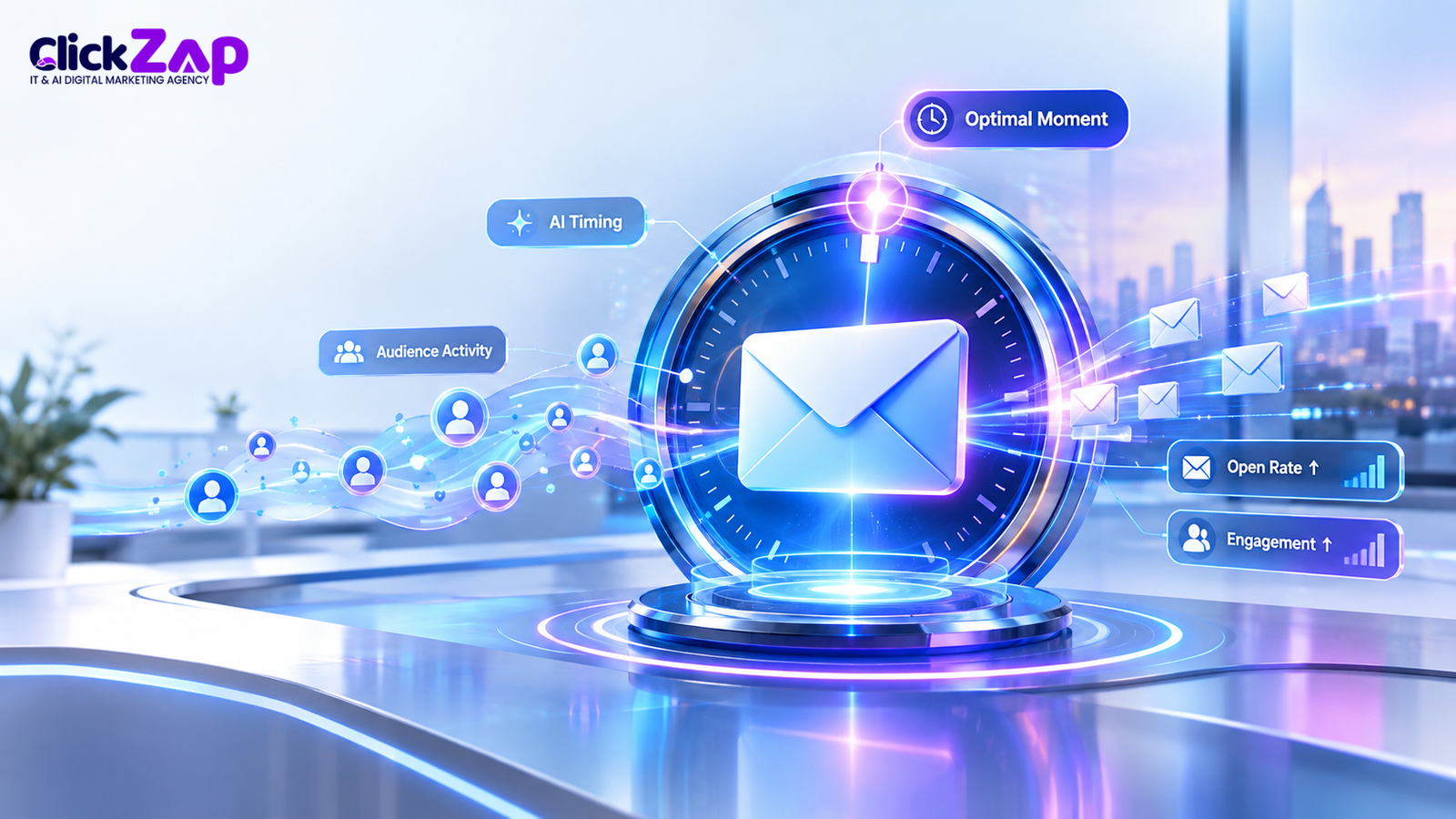
AI email send time optimization does not replace good email marketing. It supports it by making sure good emails reach people at a better moment. Here are the main ways it helps.
Better Email Open Rate Optimization
Sending closer to a subscriber’s likely active period gives your email a better opportunity to be seen near the top of the inbox. That can support open rates, particularly when your list is spread across time zones and habits.
Keep your expectations realistic. Opens are also affected by sender reputation, subject lines and privacy features in some email apps that can inflate open counts. Treat open rate as a directional signal, not a final verdict.
Improved Email Click Through Rate
A reader who sees your email when they have a few spare minutes is more likely to read it properly and click. The same email at a rushed moment may get a glance and a swipe away.
This is why timing should be judged by clicks, not only opens. An open without a click tells you little.
Personalized Email Marketing
Personalization usually means a name or a product recommendation. Timing adds another layer. The same campaign can reach subscribers at different moments, each matched to their own behaviour.
It is a quiet kind of personalization. Readers will never notice it, but the email feels like it arrived when they were ready for it.
Better Email Campaign Timing
Many teams plan every campaign around one fixed slot because that is how the calendar is built. AI helps you move beyond that.
Instead of asking “when should we send this?”, you can ask “what window should each segment or subscriber receive this in?” Campaign timing becomes flexible rather than a single bet.
More Efficient Email Marketing Automation
Manual scheduling is repetitive. Someone has to check reports, pick times, split lists by region and set up multiple sends.
Automated timing takes much of that off your team’s plate. Your marketers can spend the saved hours on strategy, copy and testing, which usually move results more than scheduling does.
Improved Marketing Email Performance
Send time optimization is one part of a larger system. It works best alongside strong content, clean segmentation, relevant offers and proper tracking.
Think of it as removing a handicap, not adding a superpower. A poor email sent at a perfect moment is still a poor email.
Digital Marketing Services for business
What Data Does AI Analyze for Email Timing?
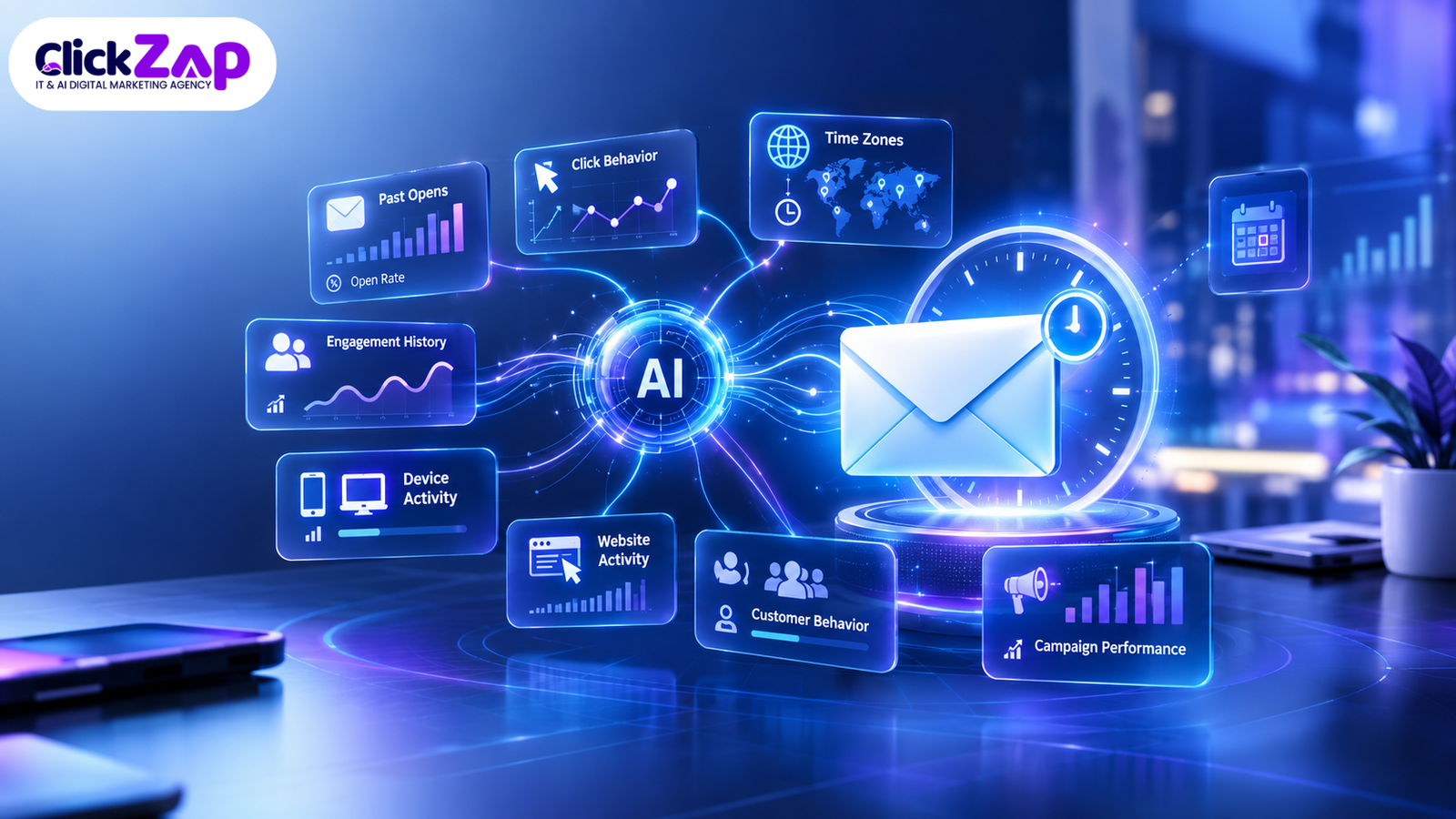
AI send time models rely on subscriber behavior and engagement data. The more accurate and relevant that data is, the more useful the predictions will be.
Common data sources include:
- Email open history: When a subscriber has opened past emails.
- Click history: When they have clicked links, and on what kind of content.
- Previous campaign performance: How earlier sends at different times performed.
- Engagement frequency: How often someone interacts at all, which shows how much confidence the model can place in their pattern.
- Website activity: Visits, page views and browsing time, if your tools are connected.
- Purchase behavior: Order timing and repeat buying patterns, for e-commerce and similar businesses.
- Time zone information: Needed to convert predictions into the right local delivery time.
- Behavioral email data: Signals like device type and responses to previous emails.
Subscriber behavior analysis is where all of this comes together. The model is not guessing blindly. It is reading the trail your subscribers have already left.
Data Quality Matters
AI predictions are only as useful as the data behind them. A few problems can quietly weaken the results:
- New subscribers with little or no history
- Inactive contacts who dilute the patterns
- Tracking that is broken or incomplete
- Duplicate or outdated records
- Time zone fields that are missing or wrong
Cleaning your list and checking your tracking setup is not glamorous work. It is often the biggest factor in whether AI timing helps or does nothing.
Predictive Email Send Time: How It Works
Predictive email send time uses historical engagement patterns to estimate when an individual subscriber is likely to engage next.
Predictive email analytics can sound complicated, but the idea is simple. If someone has opened most of your emails between 7 and 8 AM for the past three months, it is reasonable to predict they will do so again. A model does this for every subscriber, weighing many signals at once.
Three Ways of Choosing Send Time
It helps to see how predictive timing differs from what most teams do today:
- Historical reporting: Tells you what happened. For example, “Thursday at 9 AM had the best open rate last quarter.” It is useful but looks backwards and covers the whole list.
- Rule based scheduling: Applies fixed rules. For example, “Send to Mumbai contacts at 10 AM IST, and to London contacts at 10 AM GMT.” It handles time zones but not individual habits.
- Predictive send time optimization: Estimates a likely window for each subscriber from their own behavior, and updates as new data arrives.
Each has a place. Reporting is where you begin, rules are a solid middle step and prediction is the next level when your data supports it.
What Prediction Cannot Do
It cannot guarantee higher opens, clicks or revenue. A prediction is an estimate based on the past, and people change. Someone who read emails at 8 AM last month may be travelling this month.
That is why testing against a control group matters. We cover that in the implementation steps below.
Personalized Send Times vs One Time Best Time
The best time to send an email differs by audience, industry, location, time zone, customer segment and even individual subscriber.
Here are a few reasons why a single answer rarely holds:
- Audience: Working professionals often check email early in the morning or at lunch. Students and homemakers may engage at different hours.
- Industry: B2B emails tend to be read during working hours, while consumer promotions often see engagement in the evening. This is a general tendency, not a rule.
- Location and time zone: A national or international list crosses time zones. One send time cannot suit all of them.
- Customer segment: New subscribers, loyal customers and lapsed buyers often behave differently.
- Individual habits: Even within one segment, people have their own routines.
A Simple Example
This is an illustrative example, not a guaranteed outcome.
Imagine you send a webinar invitation to two subscribers. Priya regularly checks her inbox around 8 AM before leaving for work. Rahul tends to open emails in the evening after dinner.
With a fixed schedule at 11 AM, both receive the email mid morning, when neither is typically looking. With personalized timing, Priya’s email may arrive around 8 AM and Rahul’s later in the evening, closer to their usual habits.
Whether that translates into more registrations will depend on the offer, the subject line and how reliable their past behavior is as a guide. But the logic is clear: meet the reader where they already are.
AI Email Scheduling Strategy for Businesses
AI email scheduling works best when you build it on a clear process, not by simply switching on a feature. Here is a practical strategy:
- Collect reliable engagement data. Make sure open, click and conversion tracking is working. Confirm your website and email platform are connected, so behavior is captured in one place.
- Segment your subscribers. Group them by factors such as location, customer stage, industry or past behavior. Segments give you cleaner patterns to analyze.
- Identify behavioral patterns. Review reports for each segment. When do clusters open? When do clicks happen? Are there differences between weekdays and weekends?
- Connect relevant marketing tools. Your email platform, CRM, ecommerce store and analytics should share data where possible. The more complete the picture, the better the predictions.
- Test different send times. Before adopting automation, run manual tests with different windows on comparable segments. This gives you a baseline.
- Use AI or predictive features where available. Check whether your platform offers send time optimization. Features and plan limits vary, so verify what your plan includes.
- Monitor results. Compare AI timed sends against your fixed time baseline, and look at clicks and conversions, not only opens.
- Continuously optimize. Audience habits change with seasons, job changes and new devices. Review performance regularly and adjust.
The strategy matters more than the tool. A business with clean data and a good testing habit will usually get more from basic timing features than one with an advanced tool and messy data.
Tools That Can Support AI Powered Email Timing
Not every platform handles AI email send time optimization the same way. Some offer dedicated send time features, some focus on automation and journeys, and others are analytics tools that help you understand behavior. Plans differ, and features change, so always check the current documentation before choosing.
Here is how each platform can fit in, described cautiously:
- HubSpot: A CRM and marketing platform that can support email automation, contact segmentation and performance reporting. Its available timing and optimization features may depend on the plan and feature set.
- Salesforce Einstein: Salesforce’s AI layer. In its marketing products, Einstein capabilities have been associated with predictive and engagement related features. Confirm exactly what your edition includes.
- Adobe Market: Market Engage is built around marketing automation, lead nurturing and engagement programmed. It can support scheduling and behavior based workflows, though you should verify any AI specific timing features for your account.
- Adobe Journey Optimizer: Focused on customer journey orchestration across channels. It can support timing based on journeys and customer data, depending on how it is configured.
- Mailchimp: A widely used platform for small and mid sized businesses. It offers scheduling and automation, and has offered send time related features on certain plans. Check current plan details.
- Mailer Lite: Known for simple automation and scheduling tools. It can support timing decisions through its scheduling and segmentation options, depending on the plan.
- Omni send: Built mainly for ecommerce. It combines email, SMS and automation, and can support behavior based sending, with timing features that depend on the plan.
- Klaviyo: Also ecommerce focused, with strong customer data and segmentation. It has offered smart or predictive sending features, which you should confirm against your plan.
- Brevo: Offers email, SMS and automation tools, and has provided send time related features on some plans. Verify what is available before you rely on it.
- Active Campaign: Strong in automation and customer journeys, with predictive style features available in some plans. Check the current feature set.
- Google Analytics 4 (GA4): Not an email sender. It is an analytics tool. It can help you understand when email visitors reach your site and what they do afterwards, which supports your timing analysis.
The key distinction is between capabilities. AI features predict. Automation features trigger actions. Analytics features show you what happened. Journey features coordinate steps across channels. Scheduling features simply set delivery times. A tool can be strong in one area and limited in another, so match the tool to the job.
How to Implement AI Email Send Time Optimization
Here is a practical nine step process you can follow.
Step 1: Define the campaign goal. Decide what you want from the campaign. It might be more webinar sign ups, higher newsletter clicks or more repeat purchases. Your goal decides which metric matters.
Step 2: Collect subscriber engagement data. Confirm that tracking is accurate across your email platform, website and CRM. Without it, there is nothing for AI to learn from.
Step 3: Understand audience behavior. Look at how different groups interact. Are your readers mostly on mobile? Do they engage more on weekdays or weekends? Simple observations help you judge whether predictions make sense.
Step 4: Segment subscribers. Split your list by location, customer stage, interest or past activity. This helps you test timing within groups that behave similarly.
Step 5: Analyze historical engagement. Review the last few months of campaigns. Note when opens and clicks cluster, and compare across segments.
Step 6: Test different sending windows. Send the same email to comparable groups at different times. Keep everything else, like subject line and content, the same so the timing effect is clear.
Step 7: Introduce automated or predictive timing. If your platform supports it, turn on send time optimization for part of your list. Keep a control group on your usual schedule.
Step 8: Monitor open and click performance. Compare the AI timed group with the control group. Look at opens, clicks and conversions together. Give it enough campaigns to see a pattern, not just one send.
Step 9: Refine the email scheduling strategy. Use what you learn to adjust segments, windows and campaign types. Repeat the cycle regularly.
Common Mistakes in Email Timing Optimization
Most timing problems come from a handful of avoidable habits:
- Assuming one time works for everyone. Your audience is a mix of habits, not a single person.
- Ignoring time zones. A 10 AM email can arrive at midnight for part of your list.
- Relying only on industry averages. Published averages describe other businesses, not your subscribers. Use them as a starting hypothesis, not a plan.
- Sending too many emails. Better timing cannot fix list fatigue. If you email too often, people will tune out or unsubscribe, however well timed the message is.
- Ignoring subscriber behavior. Your own reports are the best source of insight, and many teams never look at them closely.
- Not testing timing. Without tests, you cannot tell whether a change helped.
- Using poor quality data. Dirty lists and broken tracking lead to weak predictions.
- Measuring only open rates. Opens can be misleading. They are the start of the journey, not the end.
- Ignoring click through rates and conversions. These show whether the email actually did its job.
- Expecting AI to solve poor email content. Timing makes a good email more visible. It does not make a dull or irrelevant one persuasive.
AI Email Send Time Optimization Best Practices
The best results from AI email send time optimization come when it is treated as one part of a disciplined email programmed. These practices help:
- Use subscriber level data where available.
- Respect time zones in every campaign.
- Test different timing strategies before and after enabling automation.
- Combine timing optimization with segmentation.
- Monitor clicks and conversions, not just opens.
- Avoid excessive sending.
- Keep email content relevant to each audience.
- Review campaign performance on a regular schedule.
- Use automation carefully, and keep a human in charge of strategy.
- Protect subscriber privacy and follow applicable email marketing regulations, including consent and data protection rules in the regions you send to.
Frequently Asked Questions About AI Email Send Time Optimization
What is AI email send time optimization?
It is the use of machine learning to choose the delivery time for each marketing email based on subscriber behavior, engagement history and other signals. The aim is to deliver emails when each person is more likely to engage, instead of using one fixed time for the whole list.
How does AI find the best time to send an email?
AI studies past opens, clicks, time zones and other behavior for each subscriber. It spots patterns in when they engage, predicts a likely window and schedules delivery accordingly. As new data comes in, the model can update its predictions.
What is the best time to send a marketing email?
There is no single best time for every business. It depends on your audience, industry, location and campaign type. Start with your own engagement reports, test a few sending windows and let your data guide the decision rather than generic averages.
Can AI personalize email send times for each subscriber?
Yes, in platforms that support it. AI can assign different delivery times to different subscribers based on their individual behavior. It needs enough engagement history to do this well, and subscribers with little data are often sent at a default time instead.
Does AI send time optimization to improve open rates?
It can support better open rates by delivering emails closer to when subscribers tend to be active, but there is no guarantee. Results depend on data quality, audience behavior, the platform and email content. Test it against a control group to see the effect for your own list.
Conclusion
Email timing is easy to ignore because it feels like a small detail. It is not. A great email that arrives at the wrong moment may never get a fair chance.
AI email send time optimization helps businesses move from broad scheduling assumptions to data informed, personalized timing. It studies how each subscriber behaves, estimates when they are likely to engage and delivers accordingly. That can support better open rates, stronger click through rates and less manual scheduling work.
It still has limits. Timing works best when it sits alongside relevant content, audience segmentation, strong subject lines, personalization, regular testing, email marketing automation and proper conversion tracking. Without those, even the smartest scheduling will disappoint.
At ClickZap IT, a Hyderabad based AI powered digital marketing agency, we help businesses build that wider system. We look at your email strategy, data setup and campaign performance together, because that is often where the biggest improvements are found, long before you switch on any AI feature. If you want a clear view of where your email marketing stands, contact our team and we will walk you through it.
Also Read: AI Email Subject Line Optimization Techniques: How to Improve Open Rates
0 Comments